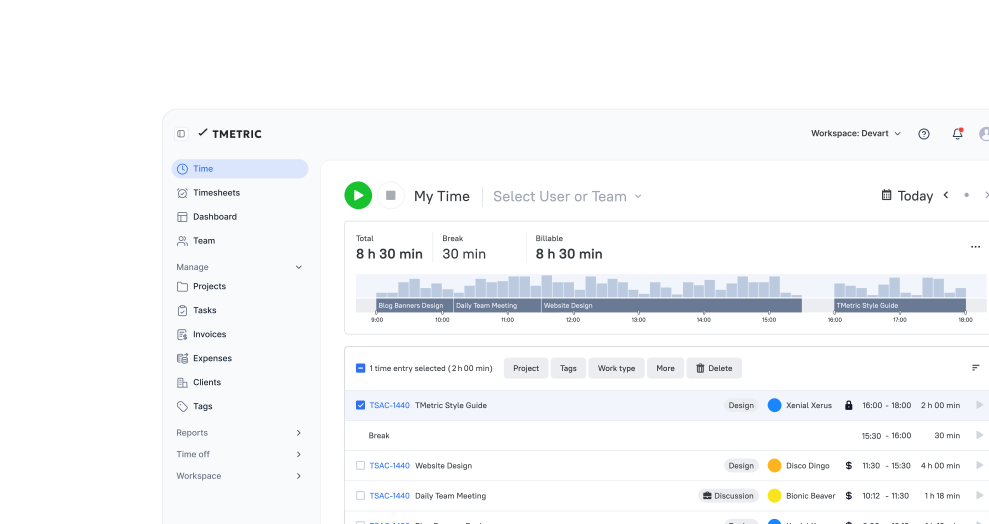







Time Tracking App for Designers & Creative Teams

  • Time tracking
  • Projects
  • Budgets
  • Estimates
  • Invoices
  • Profitability
Fully functional 14-day trial | No credit card needed

Trusted by over 10 000 companies worldwide

  • Endygo
  • ITsyndicate
  • Pulso
  • 050media
  • JOT Digital
  • Freshlab
  • Mvad
  • Swaven

What Makes TMetric a Good Time Tracker for Designers

TMetric is a lightweight, automated time-tracking tool for designers that combines simplicity, budgeting, and invoicing in a single workflow without interrupting creative work.

  • Track design work without breaking creative flow
  • Track billable and non-billable design hours
  • Manage design project budgets and profitability
  • Turn tracked time into client reports and invoices

Why Designers Need Time Tracking Software

Without TMetric

  • Billable and non-billable hours blur together
  • No way to understand how much time is consumed
  • Reporting and invoicing require manual work
  • Projects, budgets, and team workload are disconnected

With TMetric

  • Track billable and non-billable design hours
  • See how long concepts, revisions, and meetings really take
  • Turn tracked time into client-ready reports and invoices
  • Manage design projects, budgets, and team workload in one place

TMetric Features for Designers

Tracking designer work progress

The TMetric time-tracking app for designers tracks the progress of creative tasks from start to finish.

  • Create a separate project for each client you design for
  • Track time spent on each creative task in the project
  • Monitor time and budget usage while working
  • Review reports to see the full project from start to finish
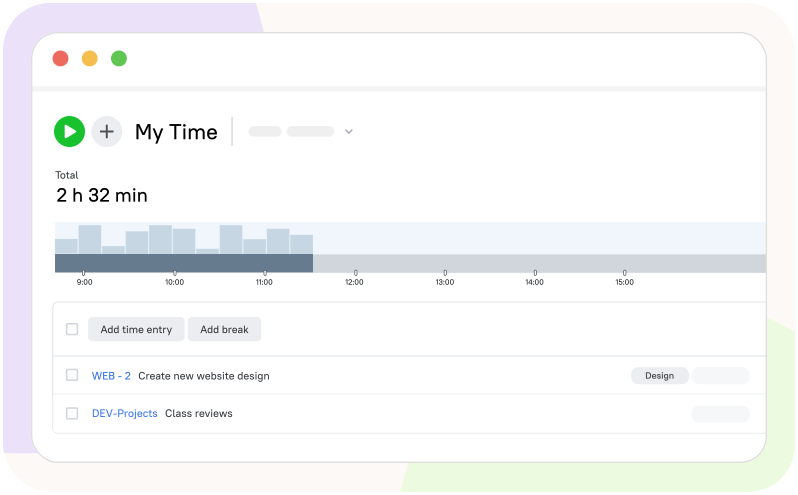
Tracking designer work progress

Cross-platform time tracker for designers

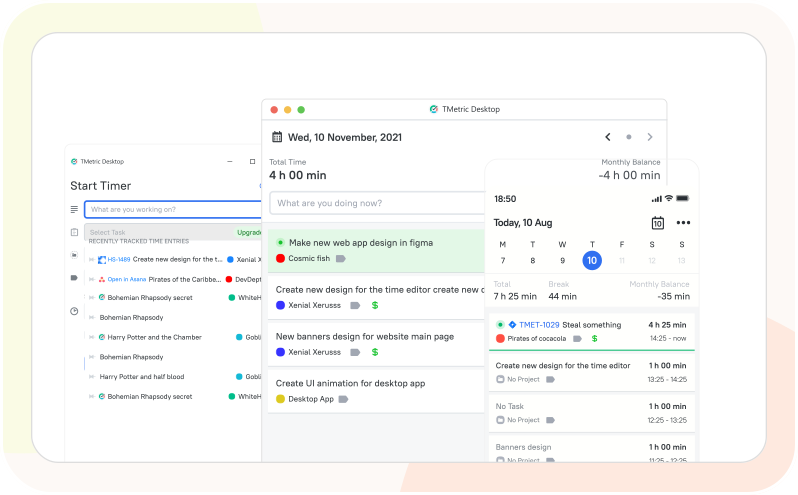
With TMetric apps, designers can track their work anywhere without switching tools, with data synced across devices.

  • Install TMetric apps on the devices you use for design work
  • Start tracking time on the device you are using at the moment
  • TMetric will automatically sync time-tracking data across devices
  • Get flexibility, stay organized, and accurately manage design work
Cross-platform time tracker for designers

Manage budget of design project

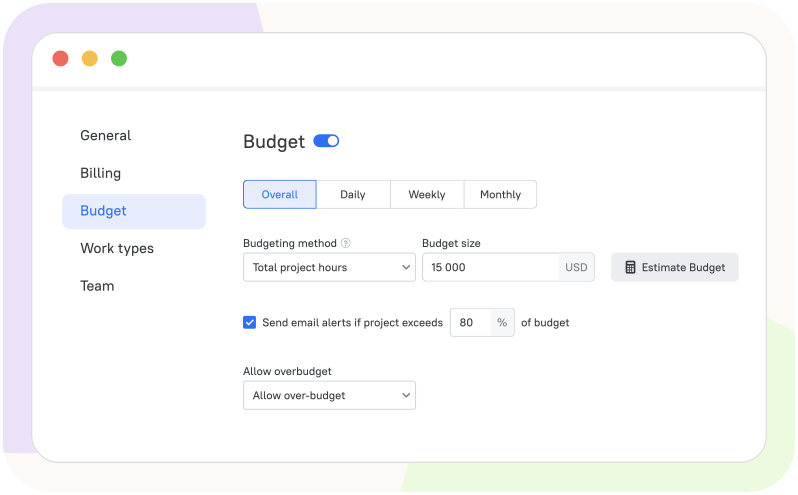
TMetric helps designers track and control time and costs in a project so it stays within the planned budget.

  • Create a separate billable project for each design client
  • Set and track the budget for each design project
  • Configure TMetric to email alerts when a project exceeds its budget
  • Analyze budgets in reports to control spending and improve planning
Manage budget of design project

Make payment process seamless

With TMetric, designers can invoice and get paid smoothly, quickly, and without manual effort or delays.

  • Track time spent on design work in TMetric
  • Generate accurate invoices from tracked hours
  • Send invoices to clients with one click
  • Get paid quickly and effortlessly for your work
Make payment process seamless

Work with design team more effectively

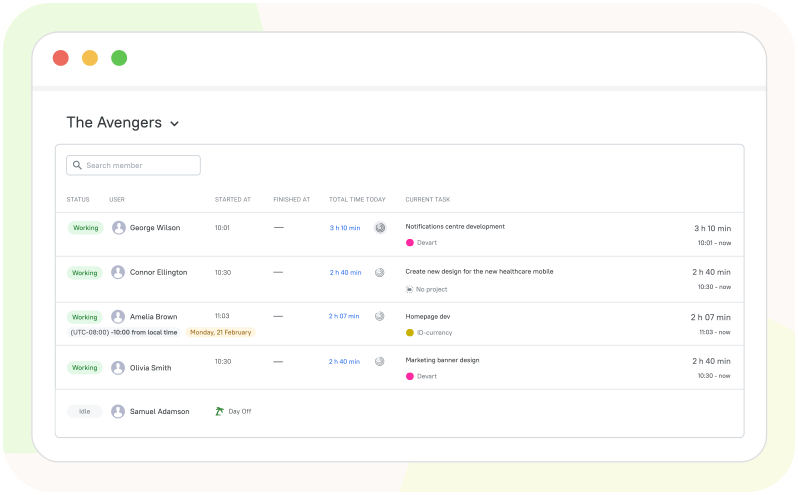
TMetric improves teamwork by making work, time, and progress clear and organized for everyone.

  • Track all design tasks and time in one place
  • Monitor who is working on what with the Team Dashboard
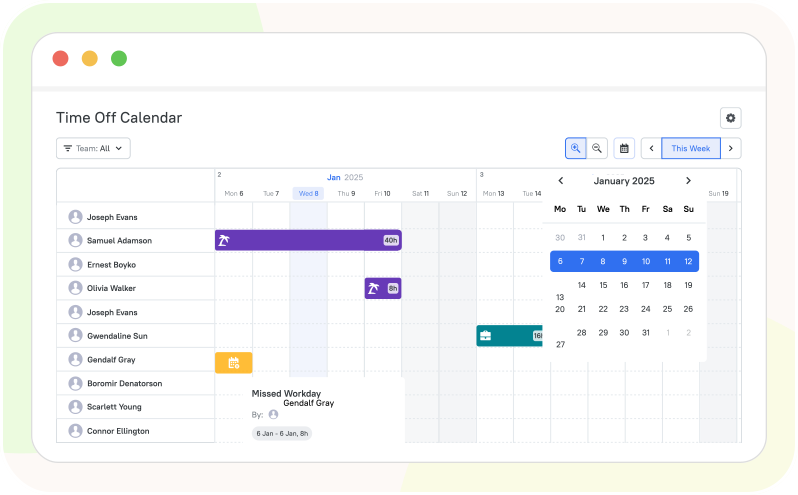
  • Manage design team performance and workload
  • Improve collaboration with organized work
Work with design team more effectively

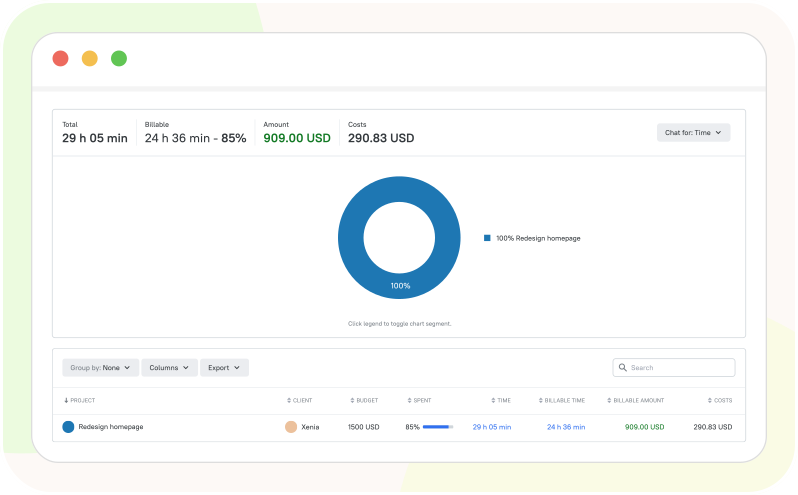
Create reports for clients

TMetric automatically collects tracked time and generates detailed client reports with project progress, billable hours, and costs.

  • Track time spent on client design projects
  • Organize work by creative tasks and activities
  • Generate detailed project reports in TMetric
  • Share reports with clients to show progress and billable hours
Create reports for clients

How Designers Use TMetric Day to Day

  • Step 1

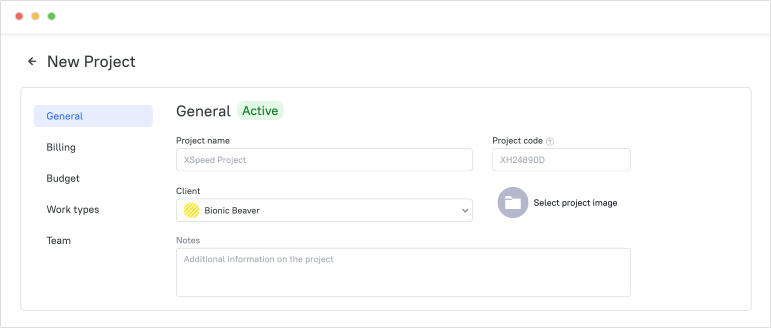
    Create clients and design projects

    On the Projects page, create a new project for a client ordering a design from you. Add a client, set billable rates and a budget, and track project progress with ease.

    Create clients and design projects

  • Step 2

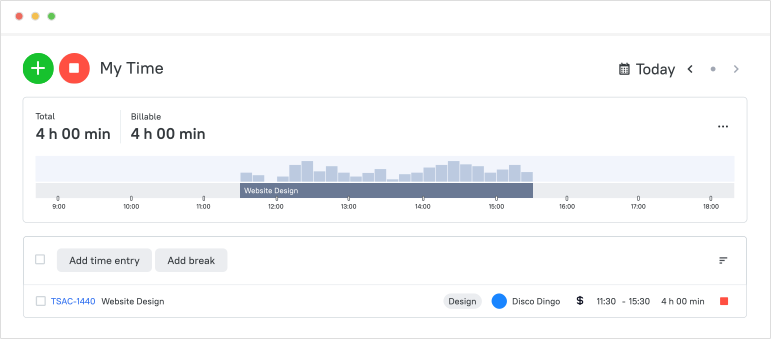
    Track time for tasks, revisions, and meetings

    When you begin work, go to the Time page, click the Start timer button, and select the activity you want to track time for. Time is recorded automatically while you work on a design and stops when you finish your work by clicking the Stop timer button.

    Track time for tasks, revisions, and meetings

  • Step 3

    Mark billable and non-billable entries

    When creating a project, you can set billable rates to calculate costs and revenue in reports. To make a project time entry non-billable, uncheck the Billable option next to the entry on the Time page.

  • Step 4

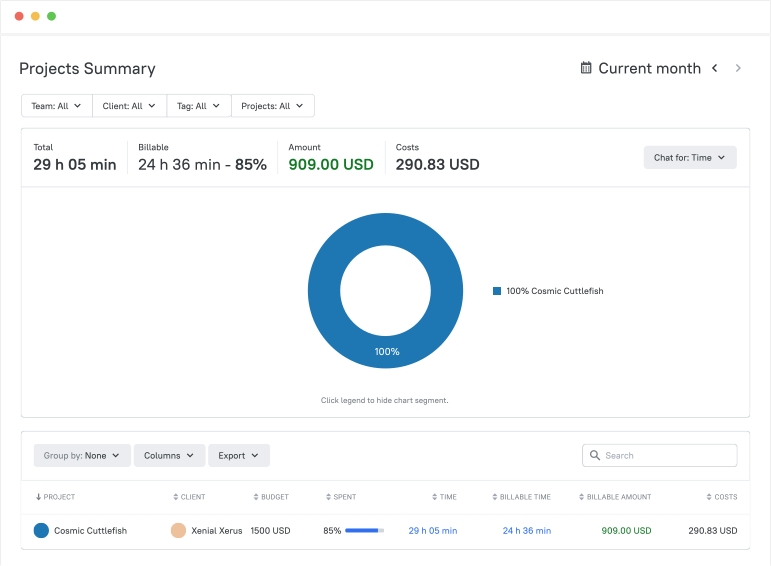
    Review reports and project progress

    Go to Reports in the sidebar menu and select the report you need. Review tracked time, billable hours, costs, and progress, and use the insights to make better decisions.

    Review reports and project progress

  • Step 5

    Invoice clients or share reports

    On the Invoices page, create a new invoice to send to your client for design work. You can also export invoices, share them with others, integrate them with QuickBooks, or set up recurring invoicing.

    Invoice clients or share reports

Integrate TMetric with the Tools Designers Already Use

Time is captured directly from where your team works - no switching tabs, no manual entry.

See all integrations

Frequently Asked Questions

Why is time tracking important for designers?

Time tracking for designers is essential, as it helps them manage projects, stay within budgets, and track billable hours accurately. It also improves productivity and helps them understand how much time different creative tasks take.

What is the best time tracking software for designers?

The best time tracking software for graphic designers is simple, accurate, and helps designers manage time, money, and projects in one place.

Can I track billable and non-billable design hours separately?

Yes, in most time tracking software for freelance designers, design teams can track billable and non-billable hours separately.

How does TMetric help with design project budgets and estimates?

Besides design team time tracking, TMetric helps designers estimate more accurately and control project budgets by turning real tracked work into measurable data that can be compared against the plan.

Can I create client reports and invoices from tracked design time?

Yes, you can create client reports and invoices from tracked design time in most graphic design project tracking tools, as the recorded hours are automatically used to generate detailed reports and calculate billable time and costs, which can then be converted into invoices for clients.

Is TMetric good for freelance designers and design teams?

Yes, TMetric is an excellent tool for both freelance designers and design teams. It tracks billable hours easily across creative work and client revisions. It helps freelancers get paid correctly and helps teams work more efficiently and profitably.

Can I track revisions, meetings, and project stages?

Yes, in TMetric design team time tracking, you can track revisions, meetings, and project stages by using projects, tasks, and time entries.

Does TMetric work across desktop, web, and mobile?

Yes, TMetric time tracking for graphic designers is available across desktop, web, and mobile apps, allowing designers to use it from any device. All data is synced automatically, so you can switch devices without losing your tracked time or project data.

Design is creative, but managing it shouldn’t be chaotic.

Start tracking your time with clarity and turn every hour into insight and accuracy.

Start free trial
Design is creative, but managing it shouldn’t be chaotic.