






Best Automated Timesheet App for Employees

  • Time tracking
  • Timesheets
  • Overtime control
  • PTO management
  • Invoicing
  • Smooth integrations
Fully functional 14-day trial | No credit card needed

Trusted by over 10 000 companies worldwide

  • Endygo
  • ITsyndicate
  • Pulso
  • 050media
  • JOT Digital
  • Freshlab
  • Mvad
  • Swaven

Why Timesheet Management is a Challenge for Teams?

Without TMetric

  • Filling out timesheets manually eats up work hours
  • Manual entry may lead to errors in project costs
  • Managers have no real-time visibility into team performance

With TMetric

  • Timesheets are filled out automatically based on tracked time
  • You can easily create daily, weekly, and monthly project reports
  • Managers can see each team member's progress in real time

TMetric - Best Employee Timesheet Solution

Automatically collect time data and convert it into timesheets for billing and payroll purposes.

Save time 6 hrs saved weekly by timesheet automation
Accurate payroll 99% reduction in errors thanks to automatic tracking

TMetric Key Features

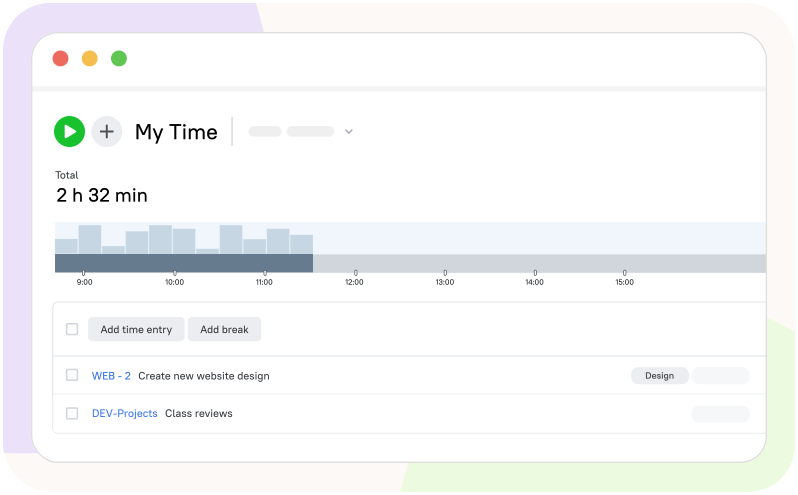
Automated Time Tracking for Timesheet

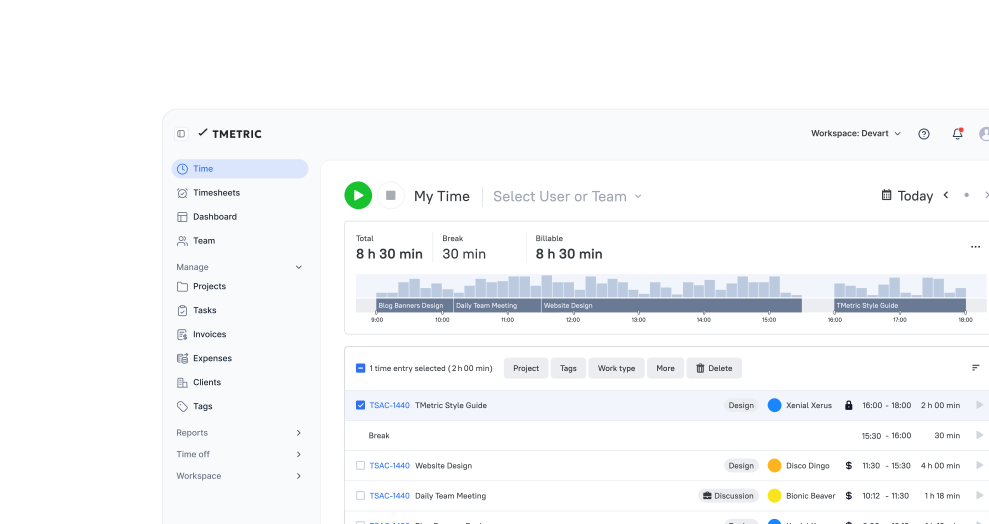
TMetric automatically logs work time and activity and generates timesheets, eliminating manual entry.

  • Start the timer to capture billable and non-billable work time
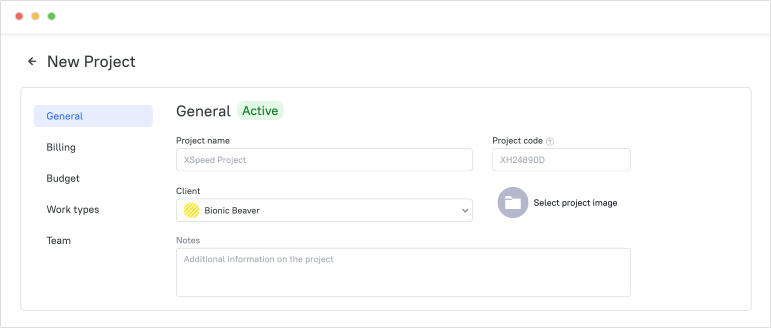
  • Log the time for each task and project to further bill clients
  • Create timesheets automatically from the time data
  • Avoid manual errors and missed hours in daily records
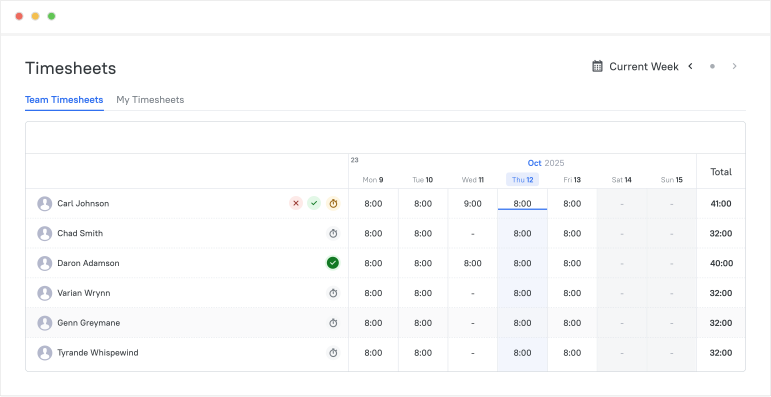
Automated Time Tracking for Timesheet

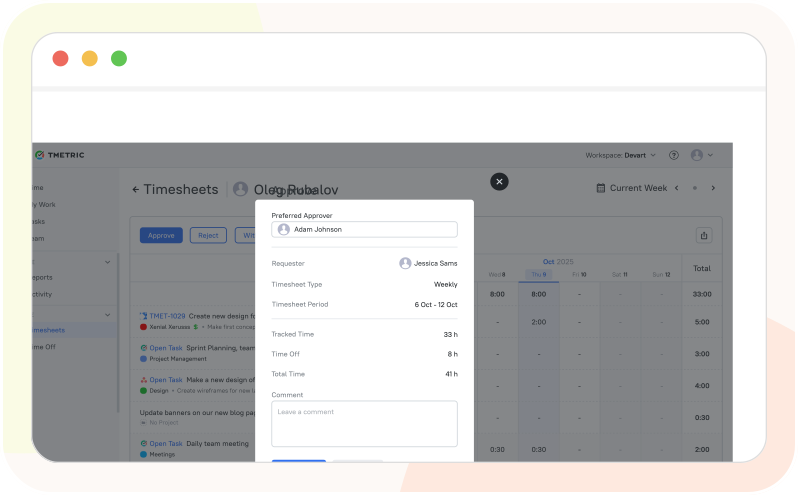
Approve Employees' Timesheets Effortlessly

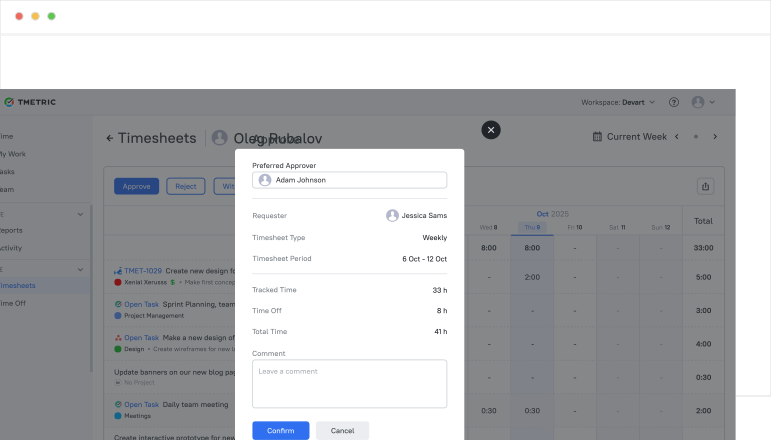
In TMetric, managers can easily review, reject, or approve employees' timesheets with just a few clicks.

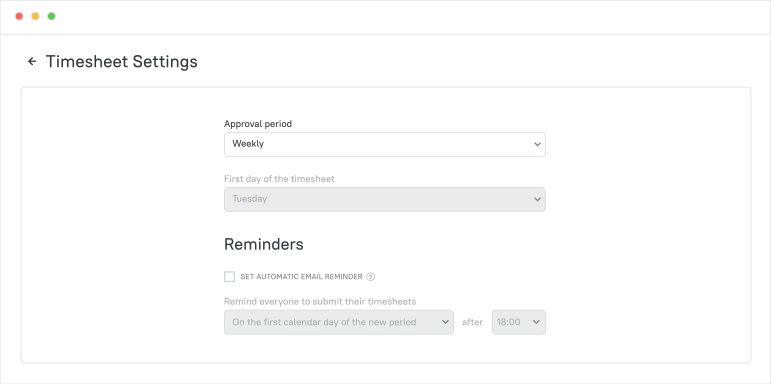
  • Submit weekly timesheets for review
  • Receive notifications as soon as a timesheet is submitted
  • Quickly review tracked hours and missing days on one page
  • Approve timesheets to guarantee an accurate payroll process
Approve Employees' Timesheets Effortlessly

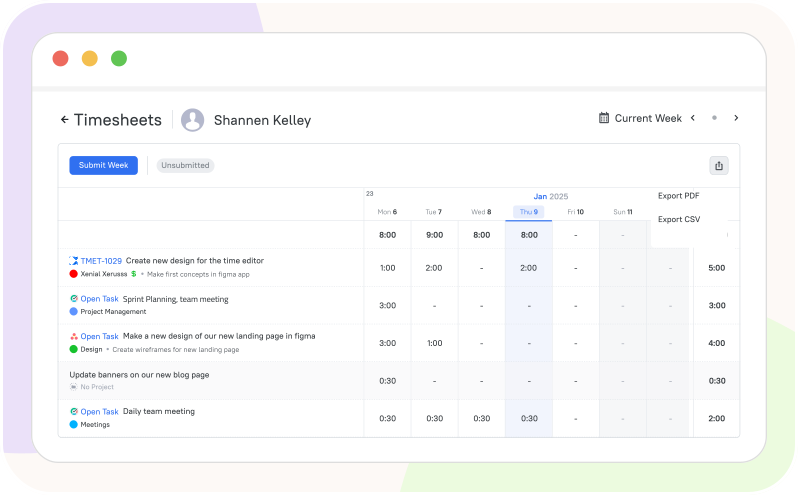
Export Timesheets in Any Format

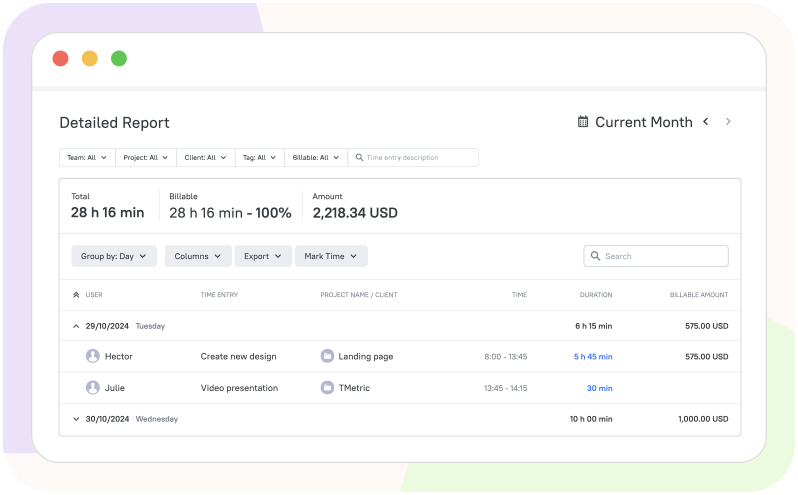
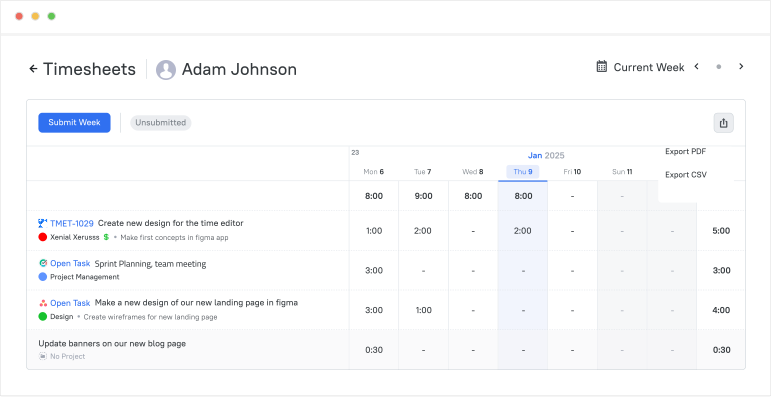
Download timesheets for further analysis, billing, or payroll.

  • Select a team member and export their timesheet as CSV or PDF files
  • Share the downloaded data with managers or clients
  • Use the files for reporting or external accounting
  • Keep records for reference and avoid the risk of financial errors
Export Timesheets in Any Format

Keep Overtimes Under Control

Track overtime hours to prevent burnout and maintain compliance with labor costs.

  • Add daily work hours for your team in the Work Schedule settings
  • Overtime hours are automatically calculated and seen in a timesheet
  • Make sure the employees are compensated fairly for overtime work
  • If overtime keeps increasing, ensure proper workload management
Keep Overtimes Under Control

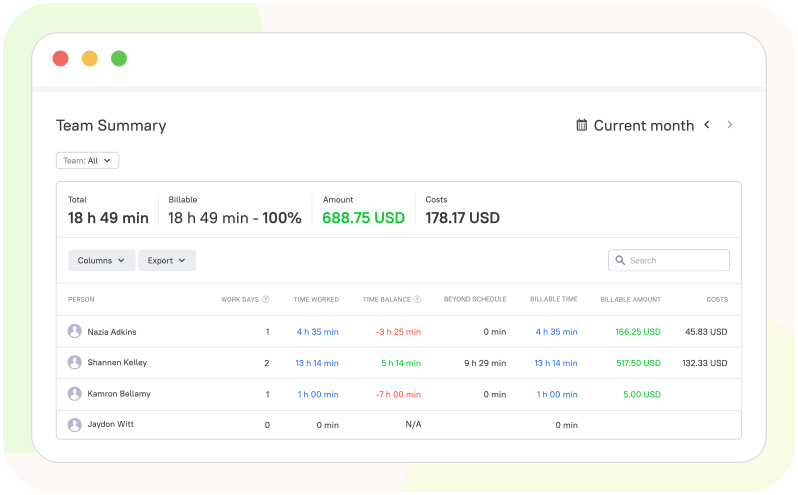
Track Employee Attendance Without Extra Effort

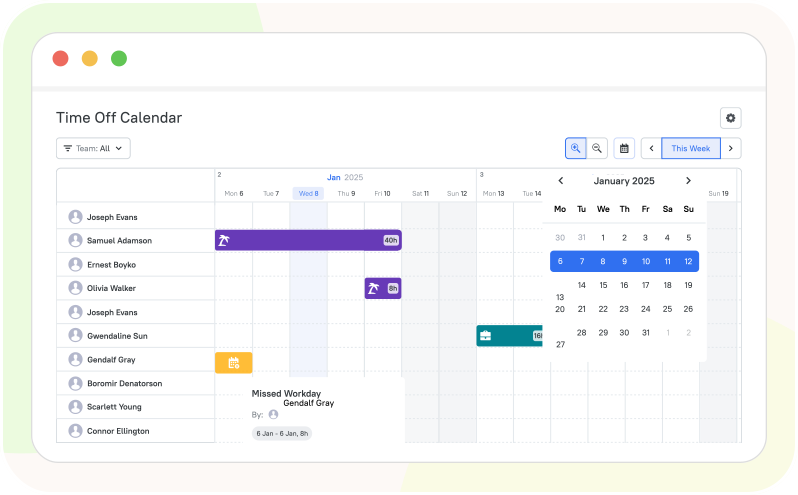
With TMetric, managers can see attendance details online, including work hours, breaks, and time off.

  • Record start and end times automatically by implementing clock in/out
  • Generate daily, weekly, and monthly detailed reports
  • Manage and track PTO requests and balances right in TMetric
  • Gain full transparency into team presence and absence
Track Employee Attendance Without Extra Effort

Seamless Integrations
for a Unified Workflow

Time is captured directly from where your team works - no switching tabs, no manual entry.

See all integrations

See TMetric in Action

It's easy to use TMetric for tracking time and generating timesheets for payroll. Save time on important things and eliminate manual mistakes.

Frequently Asked Questions

How do automated timesheets help in enhancing productivity

Automated timesheets provide real-time data and insights into employee performance, which can help managers identify areas for improvement and increase accountability. By monitoring employee productivity and comparing it to project timelines, managers can ensure that their teams are on track to meet goals and deadlines.

Is the automated timesheet application easy to use and implement?

An automated timesheet application can be easy to use and implement, depending on the specific software chosen and the user's prior experience with similar tools. Before implementing new timesheet software, it is important to carefully assess the needs of the organization and match them with the features and capabilities of the software.

Can the automated timesheet application handle multiple locations, departments, and projects?

Yes, many automated timesheet application solutions are capable of handling multiple locations, departments, and projects. This can be done through features such as project and task tracking, multi-level approval workflows, and customizable reporting capabilities.

What are the benefits of using automated timesheets over manual timesheets?

There are several benefits of using automated timesheets over manual timesheets. Firstly, automated timesheets save time and money as they eliminate the need for manual data entry and processing, which can be time-consuming and error-prone. Secondly, automated timesheets allow for greater transparency and accountability in the workplace. Overall, automated timesheets represent a more efficient and reliable way of tracking employee time and attendance. They provide numerous benefits that can help improve productivity, accuracy, and transparency in the workplace.

Can the automated timesheet application generate reports and analytics?

Yes, an automated timesheet application can generate reports and analytics. With the help of advanced technology, many modern timesheet software has the capability to generate different types of reports depicting time and attendance data, employee schedules, and overtime cost. Reports can be customized to match a company's specific requirements. Furthermore, analytics can provide additional insights, for example, by measuring employee productivity levels based on activities performed.

Automate work tracking for your team with TMetric

A reliable solution to make tracking and approvals effortless for everyone.

Start free trial
Automate work tracking for your team with TMetric