






Time & Billing Software with Invoicing

  • Billable hours
  • Quick invoices
  • Custom templates
  • Project rates
  • Online payments
  • Accounting sync
Fully functional 14-day trial | No credit card needed

Trusted by over 10 000 companies worldwide

  • Endygo
  • ITsyndicate
  • Pulso
  • 050media
  • JOT Digital
  • Freshlab
  • Mvad
  • Swaven

What Is Time Tracking and Invoicing Software?

Time tracking and invoicing software automatically converts logged hours into accurate billable totals and client-ready invoices.

It eliminates manual calculations, keeps billing rates consistent across projects and team members, and speeds up the invoicing process, so you get paid faster.

Why Teams Choose TMetric for Time-Based Billing

Without TMetric

  • I manually calculate how much to bill clients
  • My invoices don’t look professional
  • Billing mistakes cost me money

With TMetric

  • Tracked hours turn into invoices automatically
  • My invoices are branded and client-ready
  • Accurate billing protects my revenue every time

TMetric Billing & Invoicing Software Features

Smarter billing for small businesses

TMetric billing and time tracking software helps you simplify payments, reduce manual work, and stay in control of your cash flow.

  • Assign billable hourly rates to freelancers, consultants, or employees
  • Automatically calculate billable time based on tracked hours
  • Eliminate spreadsheets and manual calculations
  • Keep your billing process fast, flexible, and fully transparent
Smarter billing for small businesses

Speed up payments with invoicing and time tracking software

Don’t let slow processes delay your revenue. TMetric helps you move from tracked time to a paid invoice instantly.

  • Create invoices as soon as work is completed
  • Send them to clients in just a few clicks
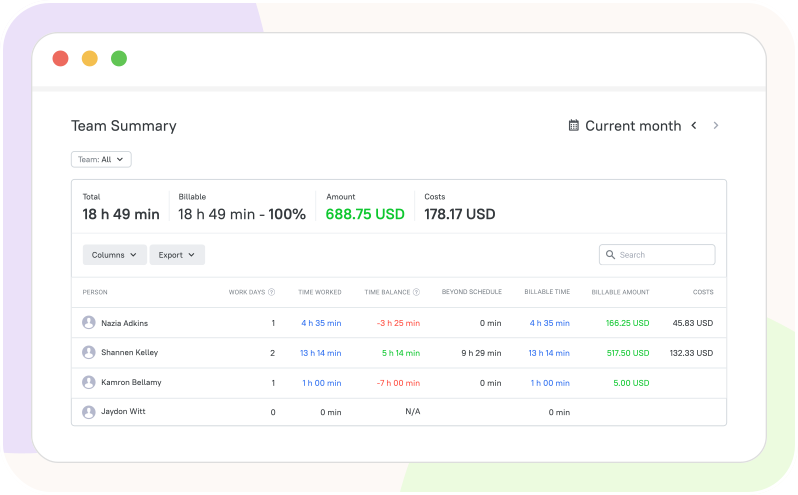
  • Keep track of billable amounts in real time
  • Mark invoices as paid and stay on top of your earnings
Speed up payments with invoicing and time tracking software

Make your invoices personal and professional

TMetric lets you brand every invoice to reflect your business and build client trust.

  • Add your company logo, name, and contact details
  • Include personalized client information automatically
  • Save invoice branding in workspace settings
  • Ensure every invoice looks polished and consistent
Make your invoices personal and professional

Show work details clients can trust

Give clients full visibility into the time spent on their projects.

  • Invoice based on detailed time logs and task breakdowns
  • Let clients see exactly what they're paying for, down to the hour
  • Build trust with transparent, professional billing reports
  • Add clients to your workspace for them to access reports
Show work details clients can trust

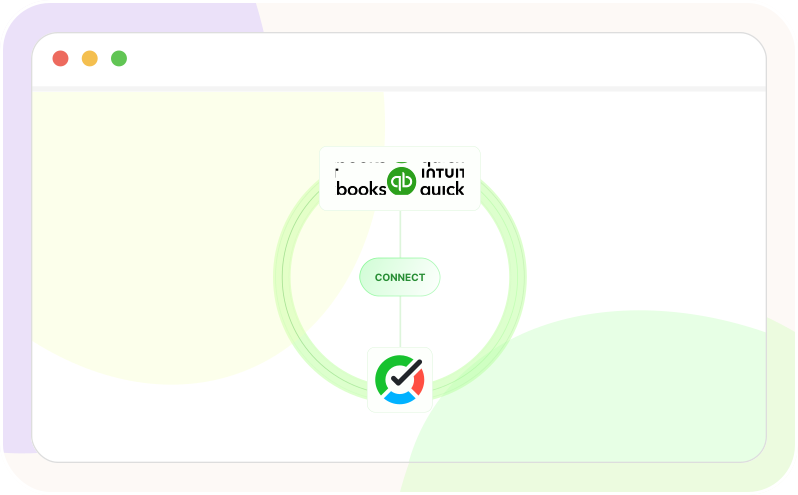
Connect invoicing with your accounting tools

TMetric works with the tools you already use, so billing stays smooth and error-free.

  • Sync tracked time with QuickBooks
  • Create invoices directly from synced time entries
  • Eliminate manual data transfers between platforms
  • Use dozens of integrations to streamline your workflow
Connect invoicing with your accounting tools

How Invoicing Works in TMetric

  • Step 1

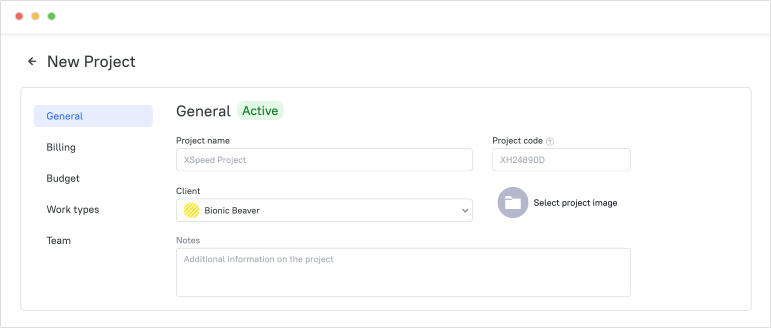
    Create a client and project

    Start by adding a client and setting up a project linked to them. This creates the foundation for tracking work and associating it with billable output.

    Create a client and project

  • Step 2

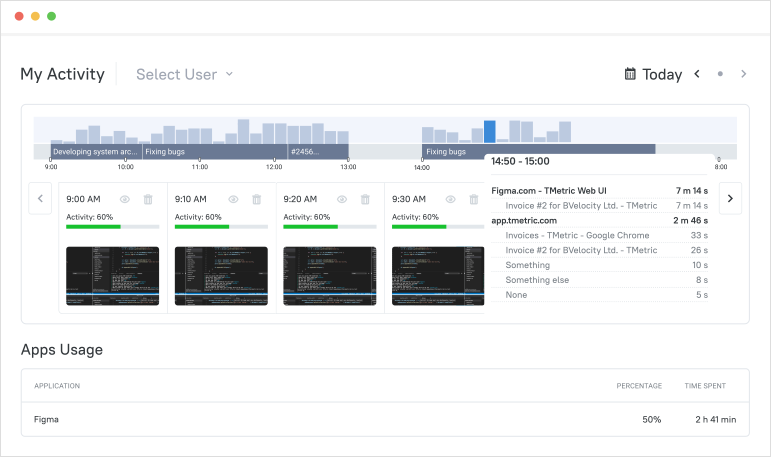
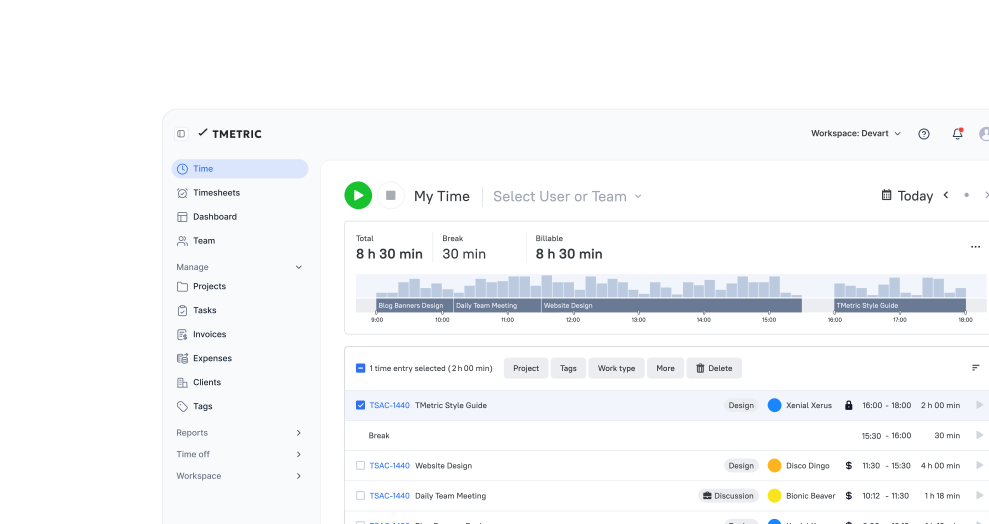
    Track time (timer, timesheet, or manual entries)

    Log work hours using the timer, fill in timesheets, or add time manually. All tracked time is stored and ready for billing.

    Track time (timer, timesheet, or manual entries)

  • Step 3

    Mark work as billable vs non-billable

    Define which time entries should be billed to the client and which are internal. This ensures only relevant hours are included in invoices.

    Mark work as billable vs non-billable

  • Step 4

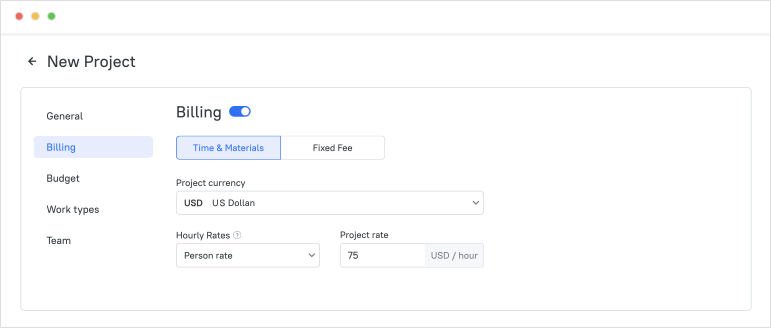
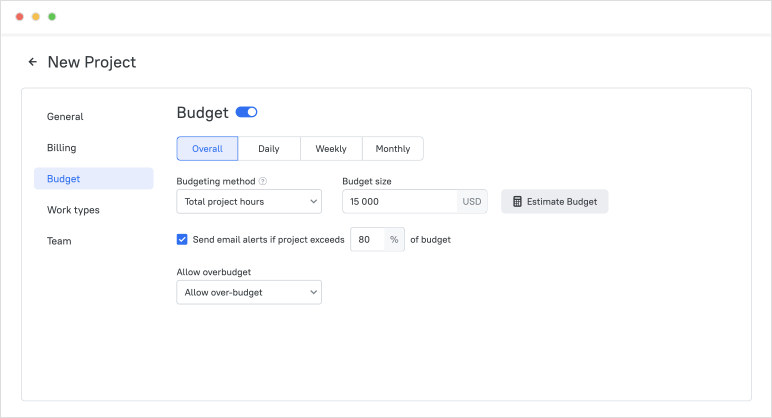
    Set rates for projects and team members

    Assign hourly rates at the project or team member level. TMetric uses these rates to automatically calculate billable amounts.

    Set rates for projects and team members

  • Step 5

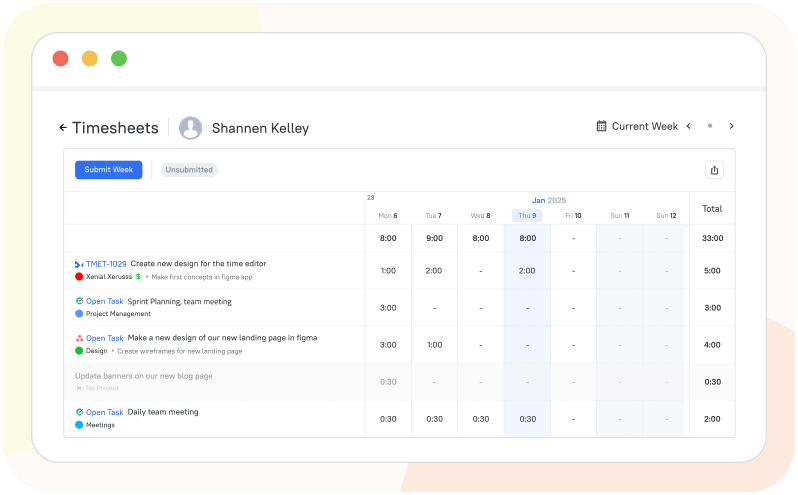
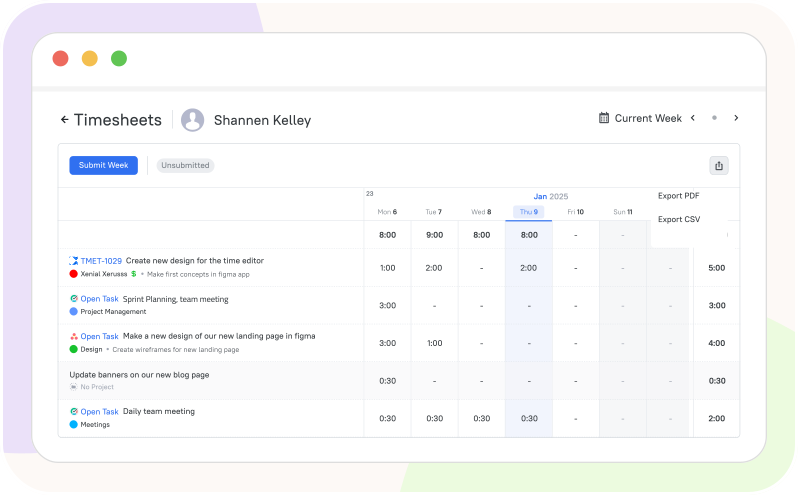
    Review timesheets

    Check logged hours for accuracy before invoicing. Teams can review and approve timesheets to avoid errors and ensure transparency.

    Review timesheets

  • Step 6

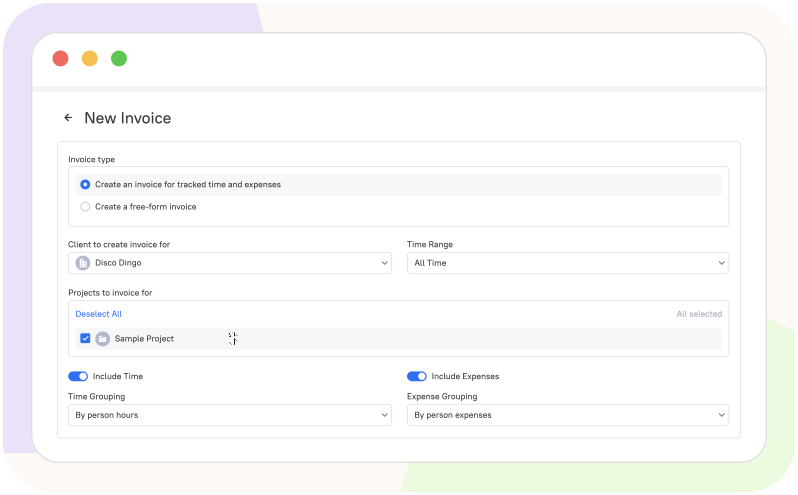
    Generate an invoice from tracked hours

    Create invoices directly from tracked time by selecting a client, project, and time range. Billable hours are automatically converted into invoice line items.

    Generate an invoice from tracked hours

  • Step 7

    Send and mark invoices as paid

    Send invoices to clients and mark them as paid to keep your finances up to date.

Connected billing that
works anywhere

Time is captured directly from where your team works - no switching tabs, no manual entry.

See all integrations

Frequently Asked Questions

Can I create invoices for non-billable work or flat-rate projects?

In TMetric, you can create a free-form invoice for non-billable time if needed. You can also create an invoice for a flat-rate project using the Fixed Fee project type in TMetric.

Can I apply different tax rates or currencies on invoices?

Yes, you can add two different taxes to an invoice in TMetric. You can use different currencies for different projects, and they will be displayed on the invoice.

Is there a way to export invoices for bookkeeping or reporting?

Yes, TMetric allows you to export invoices for bookkeeping or reporting. You can download them in formats like PDF or Excel, making it easy to keep financial records or share them with your accountant.

Can I send invoices directly to clients from TMetric?

Yes, TMetric allows you to send invoices directly to clients via email. This makes it easy to bill clients quickly and keep all your invoicing streamlined in one place.

Can I invoice fixed-fee projects as well as hourly work?

Yes. TMetric works as flexible time and billing software that supports both hourly and fixed-fee invoicing.

What does the 14-day trial include for billing features?

The trial gives you full access to all billing and invoicing software features, no credit card required. You can set up billable rates, track time, generate invoices, and send them during the trial period.

Can I include work details or descriptions so clients understand what they’re paying for?

Yes. TMetric is built for accurate client billing, every invoice is based on a detailed breakdown of tracked time, task descriptions, dates, and team members, so that the clients see exactly what they're paying for.

Say goodbye to manual invoicing

Capture every billable hour and turn it into an invoice without any extra work

Start free trial
Say goodbye to manual invoicing