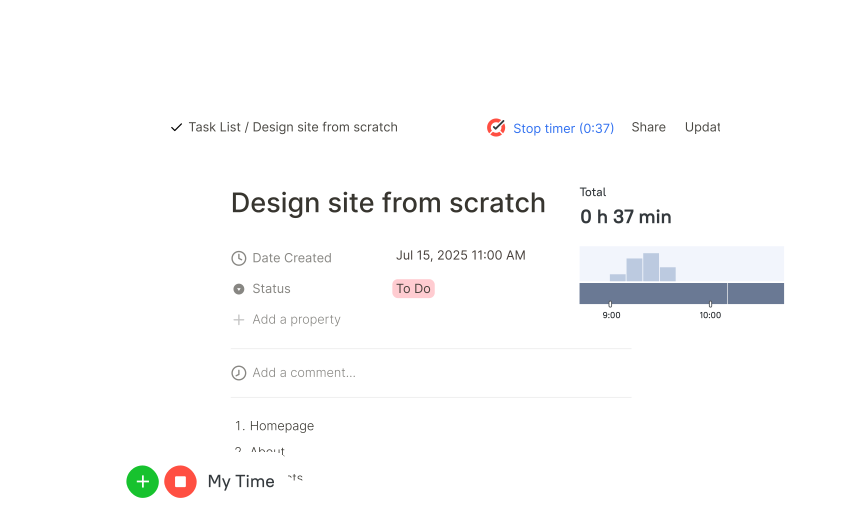
One-click timer in Notion pages
TMetric time tracker in Notion lets you track time on tasks with one click by adding a timer to each task.
The TMetric time tracker for Notion lets you track time on tasks with one click and automatically syncs the data to TMetric for detailed reporting and invoicing.
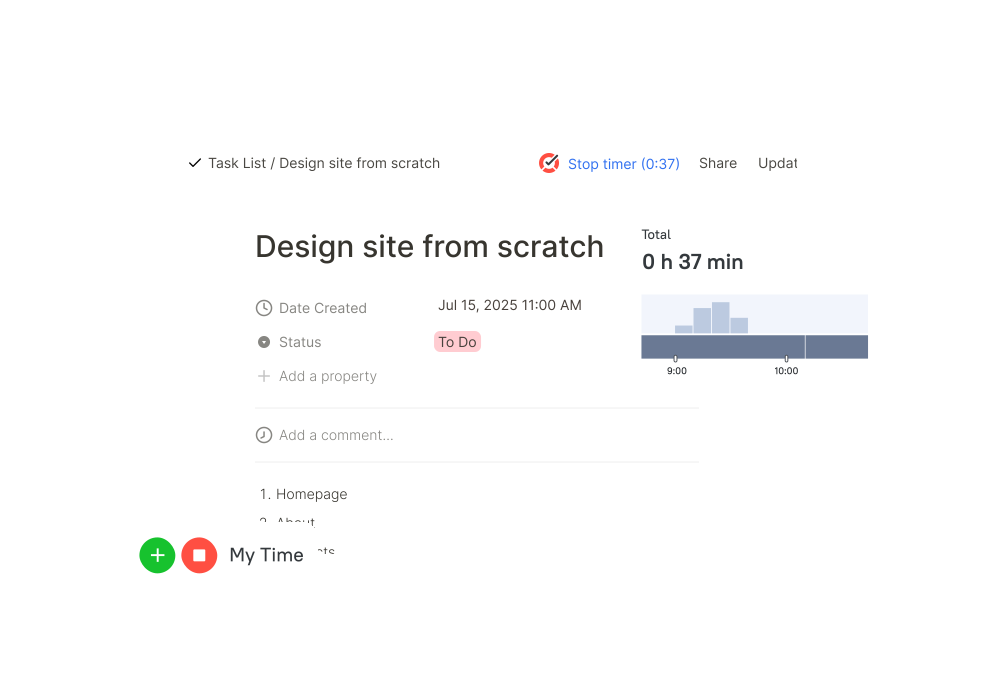

TMetric time tracker in Notion lets you track time on tasks with one click by adding a timer to each task.

TMetric Notion task timer automatically tracks time spent on tasks in Notion and syncs it to TMetric.

TMetric extends Notion time tracking features with timesheets for accurate and fast employee payroll.

Combine Notion with the TMetric Notion hours tracker and record billable time for clients.

Besides time tracking for Notion, TMetric provides reports to analyze productivity and project progress.

TMetric improves visibility into Notion work and productivity with time tracking, timesheets, and reporting.
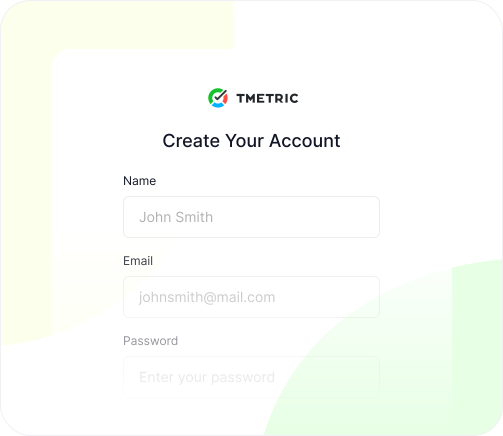
Create a free TMetric account using the same email you use for Notion
Sign Up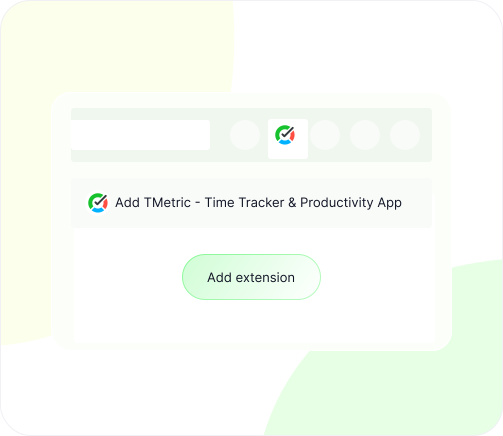
Add the TMetric extension to your browser to enable time tracking directly inside Notion
Install Extension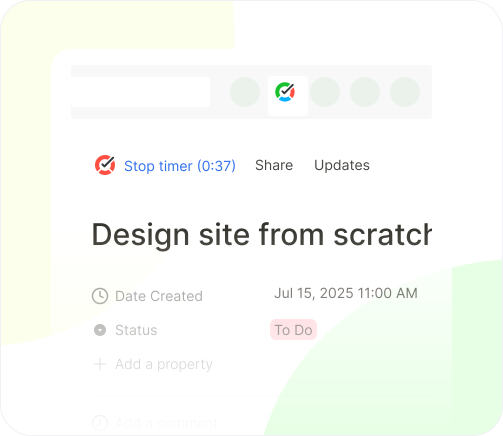
Log in to your Notion account and track time on tasks right from your workflow
Start tracking in Notion
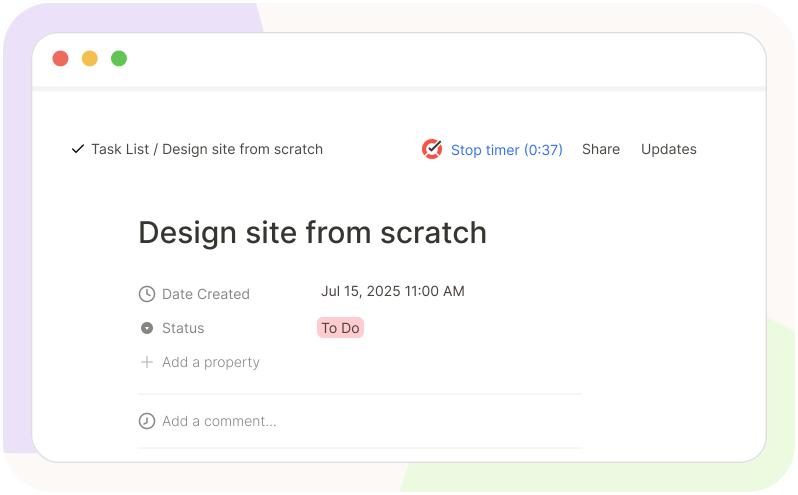
TMetric, a Notion time tracker, lets you track time on tasks directly within Notion. Each task has a timer button that displays recorded time, which is automatically synced to TMetric. Then the time data is used for reporting and billing clients in TMetric.
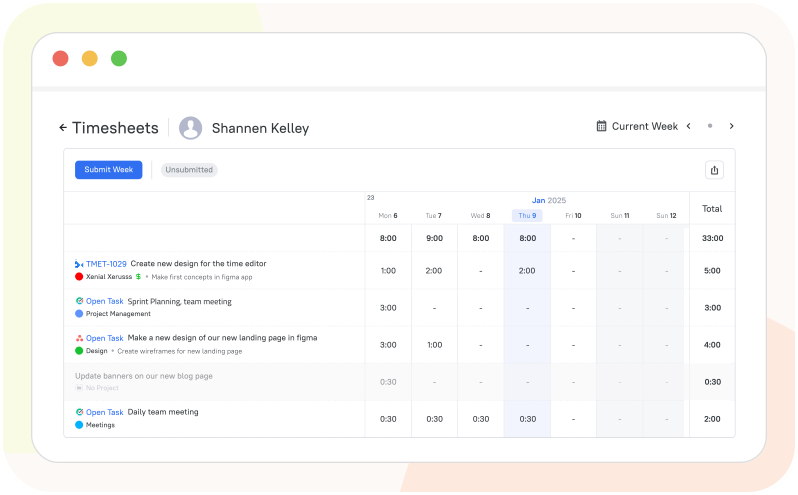
Notion time management is enhanced with TMetric timesheets. With TMetric’s Notion time-tracking integration, your working time is recorded and synced between the systems. Then, the time data is automatically populated into TMetric timesheets - no manual input required.
The TMetric Notion time tracking widget turns time tracking into powerful insights with detailed reports and analytics. In TMetric, you will find various types of reports tailored to your needs. In addition to reviewing and filtering time report data, you can export reports as well.
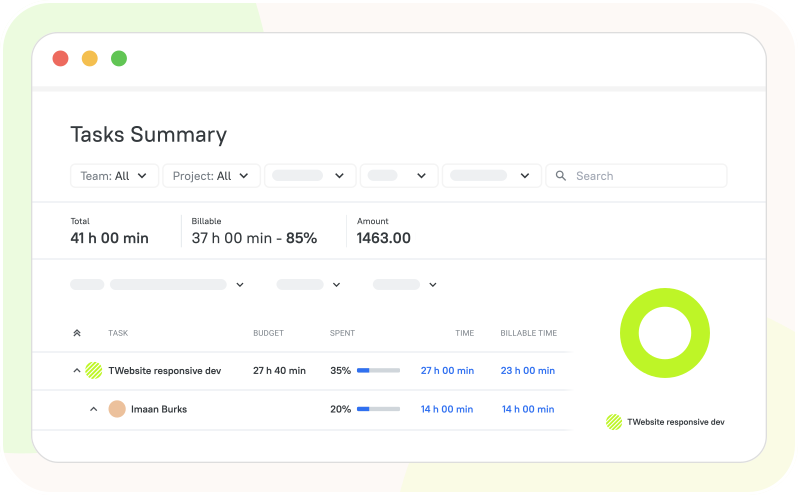
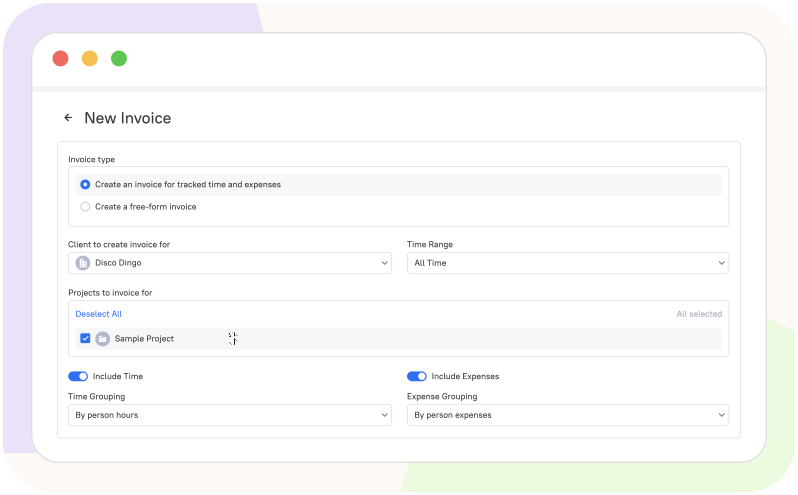
With TMetric in Notion, you can track billable hours by starting timers on tasks via the browser extension, syncing entries to TMetric, assigning rates, and generating reports to ensure client transparency, accurate invoicing, and build trust.
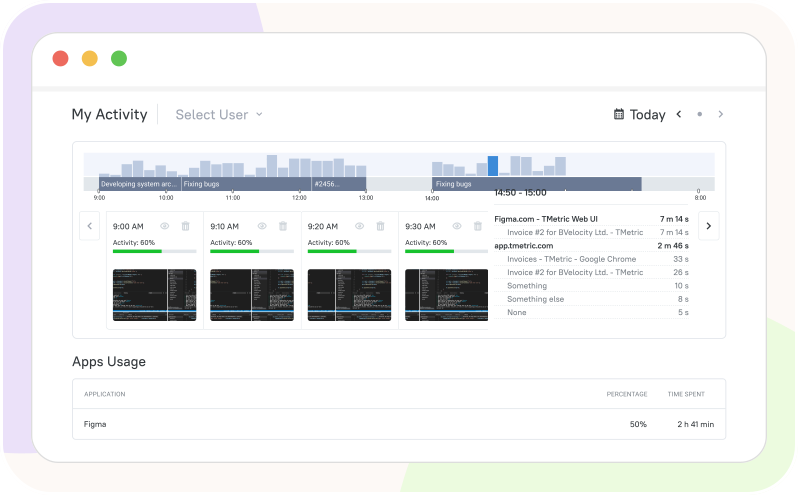
TMetric brings time tracking to Notion for remote workers and provides the ability to monitor their productivity. The TMetric desktop client collects and records user activity, which is then used in reports to analyze work, identify bottlenecks, and optimize workflows.
Why Notion Users Choose TMetric for Time Tracking?
 Software Developers
 Marketers
 Designers
 Accountants
 Consultants
TMetric is a perfect solution to meet the needs of software developers.


TMetric helps provide us with valuable insights into our work patterns, which has resulted in increased efficiency and productivity.
TMetric can help marketers optimize campaigns and improve overall marketing effectiveness.

We’ve found TMetric to be both user-friendly and robust. It was easy to set up which allowed us to begin leveraging the tool immediately.
Connect time tracking to creative freedom and focus on efficiency across the entire design process.

TMetric is faster, more convenient, and cheaper, the support is responsive and they fixed some bugs quickly.
Produce printable invoices for your clients with just a single click.

TMetric's Chrome add-on makes time tracking easier and streamlines accounting procedures by integrating with QuickBooks Online with ease.
Increase the profitability of your consulting business and ensure timely payments.

It’s been pivotal for helping us gather better decision-making information, grow our topline and reduce our bottomline.
After you select a template and add a task there, you will see the TMetric Start timer button next to the task name.
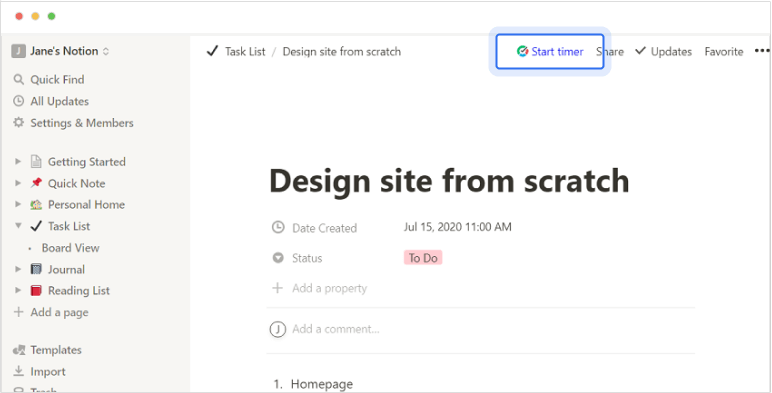
Click the Start timer button and TMetric will start recording your Notion working time. Notice that the Start timer button changes to the Stop timer button and displays the time spent on the task.
If you are the workspace owner or assigned admin in TMetric and start the timer for the first time, TMetric pulls out from Notion and adds to your TMetric workspace:
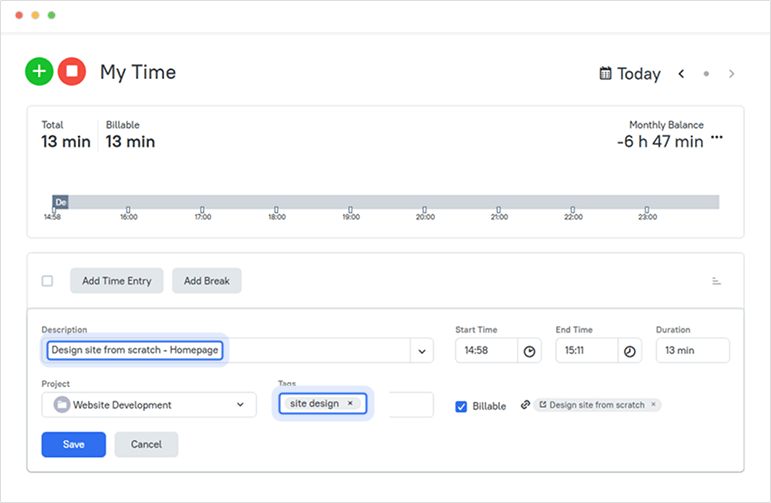
The corresponding time entry appears on the Time page in the TMetric web app. You can easily navigate back to the Notion task simply by clicking the link icon next to the task name.
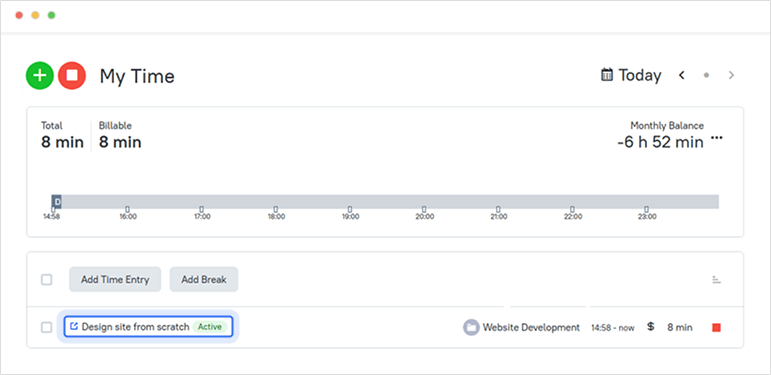
A time entry with an external task can be edited. You can edit the name of the task, change a project and tags without losing a link to the Notion issue.
To disassociate the TMetric task from the Notion task, click the cross icon next to the task name in the bottom right corner of the time entry editor.
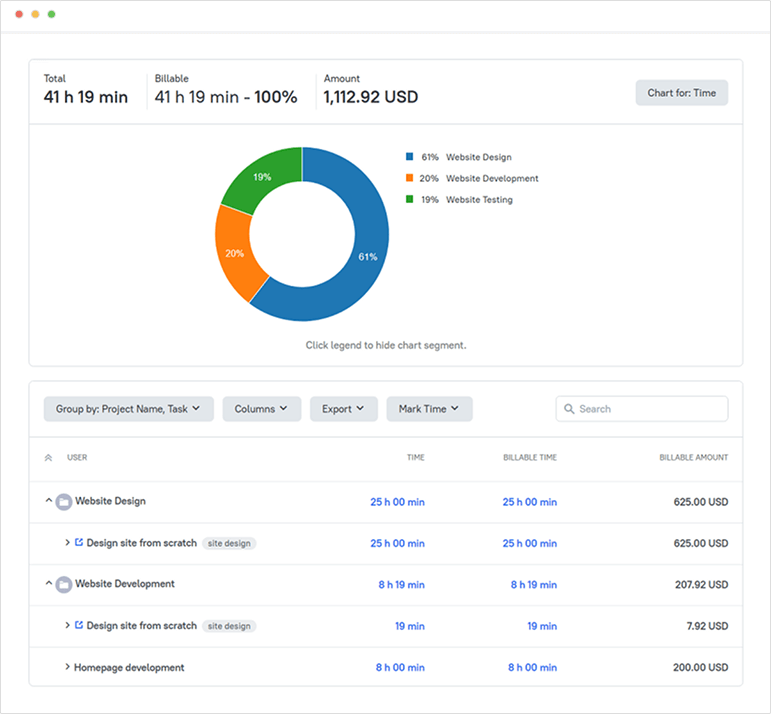
Reports show the time from different external systems, as well as the time entered manually in TMetric.
Turn Notion tasks into
tracked time
Never miss a billable minute. Track time, analyze, report, and optimize with TMetric.