How can I check my current desktop app version?
You can easily check your TMetric Desktop version on the About page.
1. Open TMetric Desktop.
2. Click your name in the bottom-left corner and select About.
3. You will see the desktop app version underneath the logo and app name.
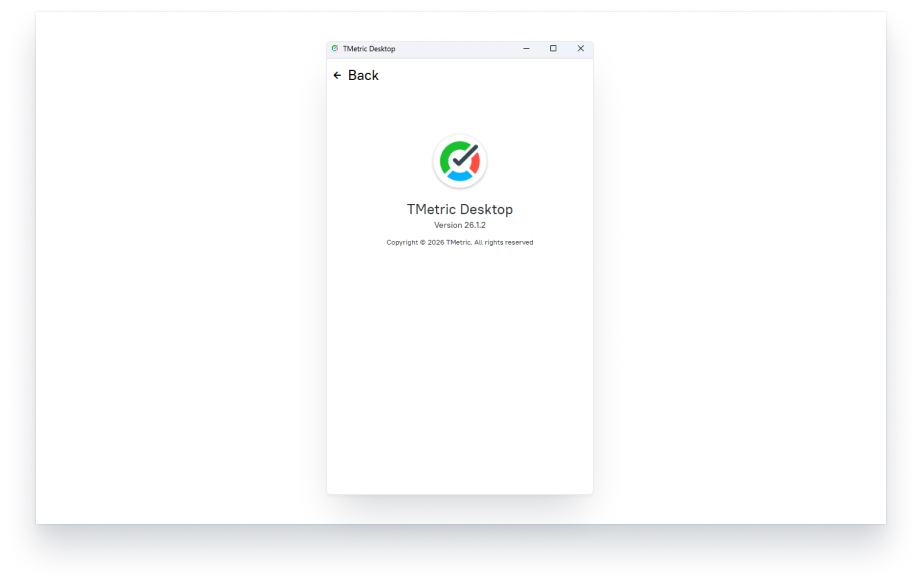
Each time TMetric Desktop is released, its version changes.
See Also
Didn’t find what you were looking for?
If you didn't find what you were looking for, you can make a support request or email us to [email protected]. We'll be glad to help you personally.