






Windows Time Tracking App for Employees and Teams

Track time directly on your Windows desktop, automatically capture work in the background, log hours manually or with a running timer, and review reports, timesheets, and productivity data with TMetric.

Fully functional 14-day trial | No credit card needed

Trusted by over 10 000 companies worldwide

  • Endygo
  • ITsyndicate
  • Pulso
  • 050media
  • JOT Digital
  • Freshlab
  • Mvad
  • Swaven

What Is TMetric Windows Time Tracking App

A Windows time tracker is a desktop application that runs on the Windows operating system and records how employees spend their working time.

It typically tracks employees’ work time and productivity, helping businesses monitor performance, calculate work hours, and generate reports and invoices for payroll or billing.

Why Use Time Tracking Software for Windows

Without TMetric

  • Tasks and projects are scattered across tools
  • Time is tracked manually or not at all
  • Frequent gaps and inaccuracies in timesheets
  • Reports are incomplete or unreliable

With TMetric

  • Easier task and project tracking in one place
  • Native desktop time tracking built specifically for Windows
  • Fewer missed hours with consistent tracking
  • More accurate reports and timesheets for confident decisions

Key Features of TMetric Windows Time Tracking App

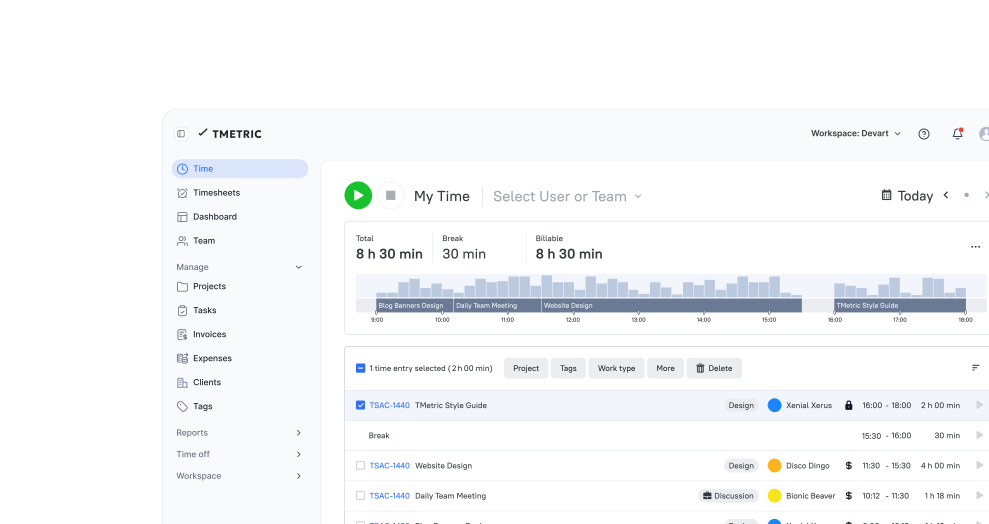
Automated Time Tracking for Windows

Effortlessly capture every minute of your work without manual input. TMetric’s automated time tracking makes it easy to stay focused on tasks while ensuring every second is recorded. Perfect for tracking productivity without interrupting your workflow.
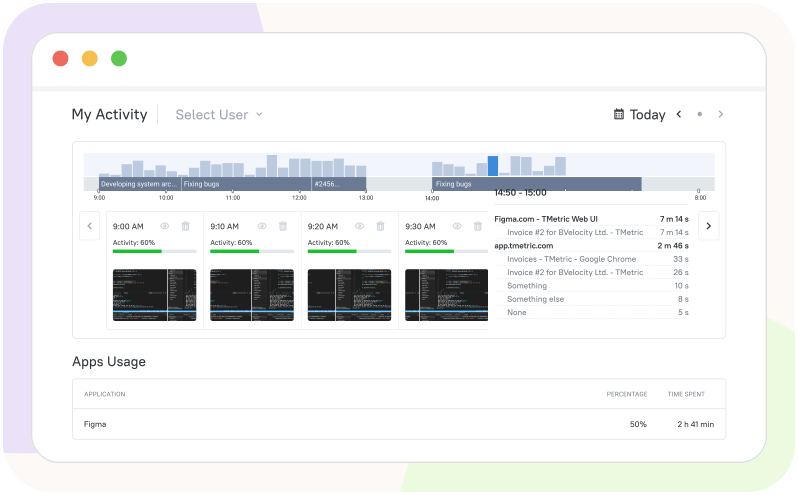
Automated Time Tracking for Windows

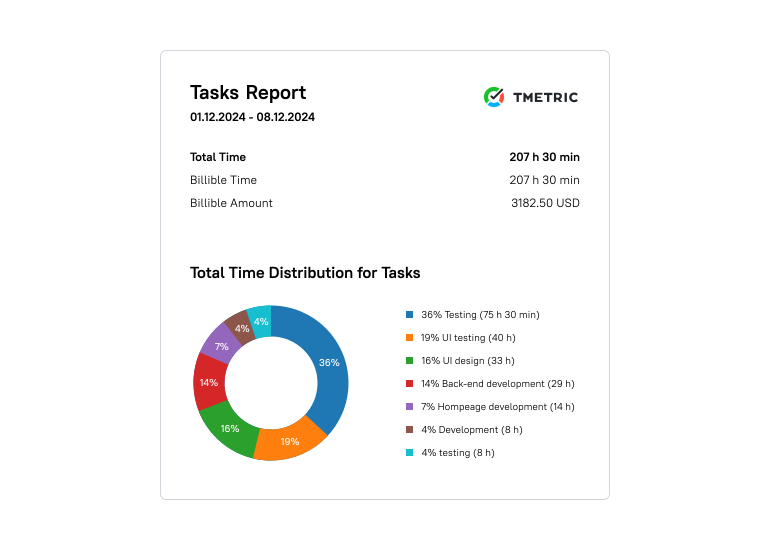
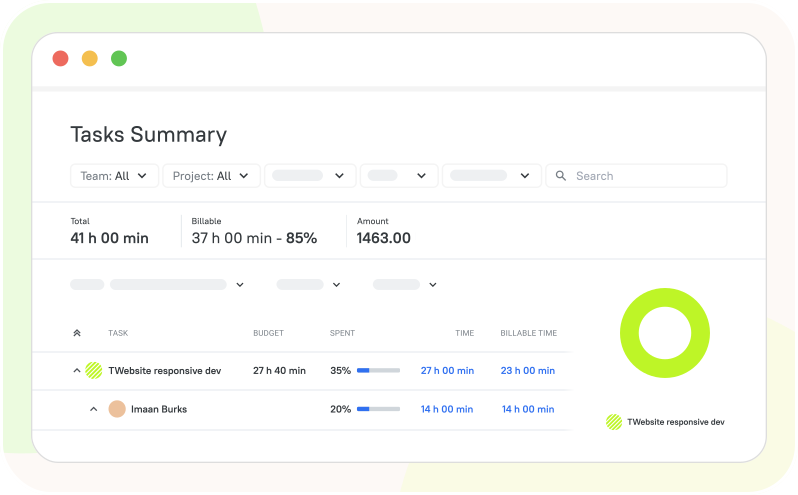
Productivity Analysis

Get deep insights into how your time is spent and identify areas to boost productivity. Track active work hours, monitor task completion rates, and measure efficiency to achieve better outcomes.

Productivity Analysis

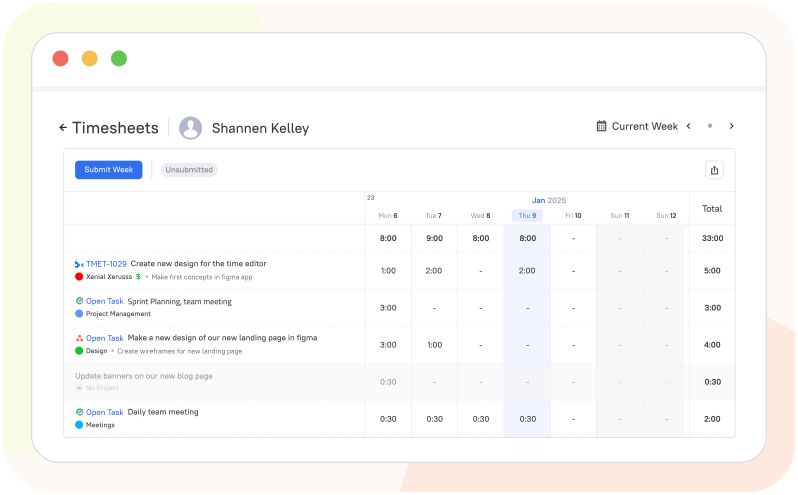
Organized Timesheets for Complete Transparency

Keep your time data structured and easy to navigate with neatly organized timesheets. Get full visibility into who worked on what, when, and for how long, so nothing slips through the cracks.

Organized Timesheets for Complete Transparency

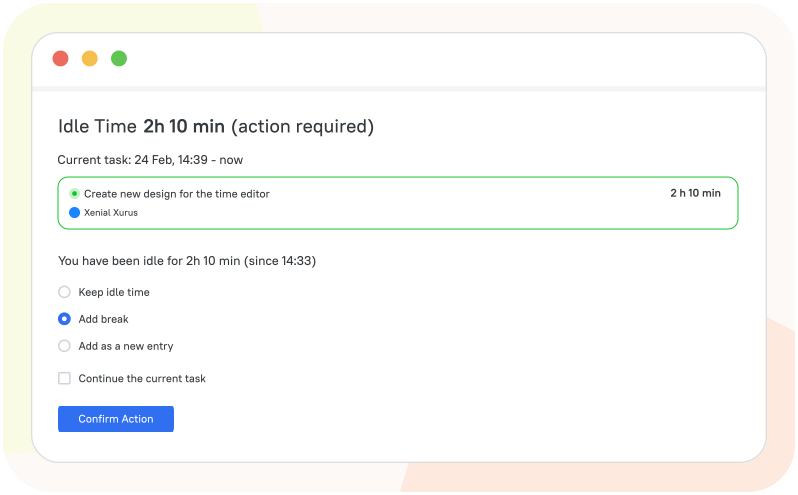
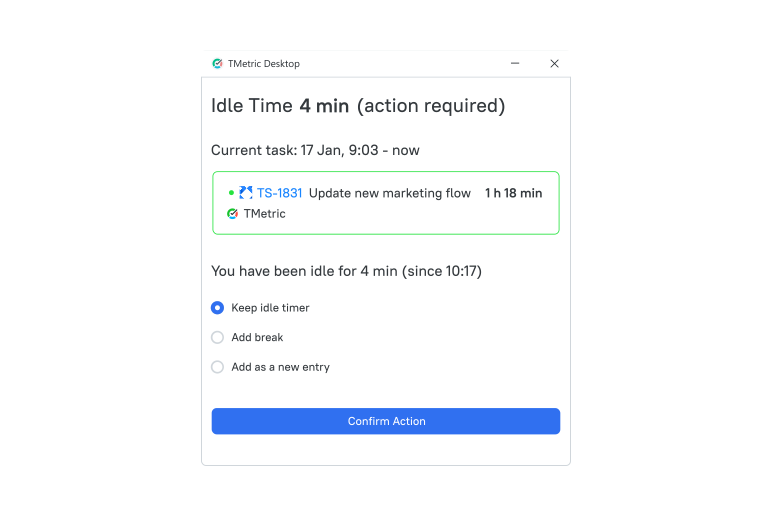
Idle Detection

Avoid miscalculated time entries with TMetric’s idle detection feature. Automatically pause time tracking during inactivity, ensuring your timesheets only reflect productive time.

Idle Detection

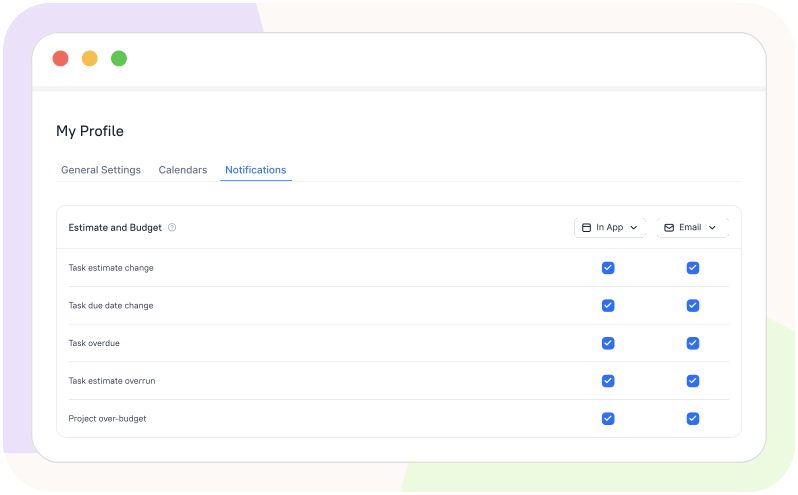
Smart In-App and Email Notifications

Set up and receive timely updates on statuses and changes in the app based on your personal settings. Stay informed about events, deadlines, and progress to remain on track and address issues promptly.

Smart In-App and Email Notifications

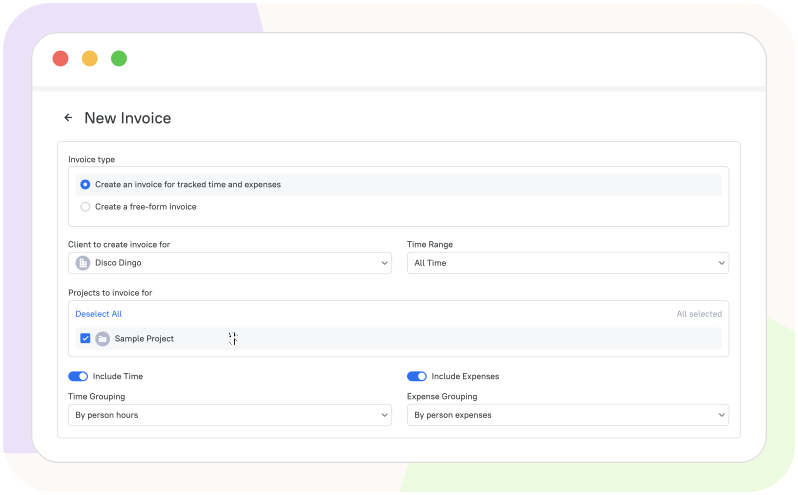
Accurate Invoicing for Every Project

Streamline your billing process with easy-to-generate invoices based on tracked billable hours. TMetric ensures accurate billing, so you get paid for every minute spent on client projects.

Accurate Invoicing for Every Project

How to Track Time on Windows with TMetric

  • Step 1

    Download and install TMetric

    Click Download TMetric Windows app. Run the installer and follow the prompts to complete the installation.

    Download TMetric Windows app

  • Step 2

    Launch TMetric and Sign In

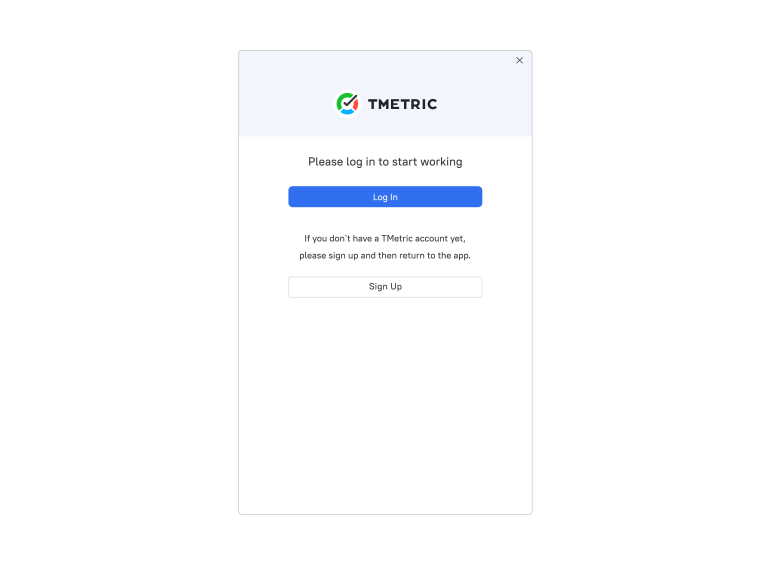
    Open the TMetric app on your Windows device. Log in to your TMetric account or visit the Sign Up page to create one.

    Launch TMetric and Sign In

  • Step 3

    Start Tracking Time

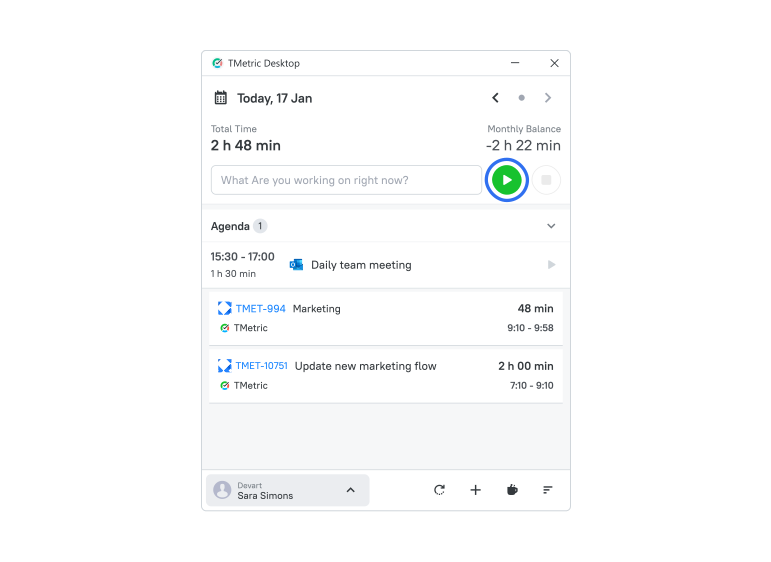
    On the TMetric dashboard, click the Start timer button to begin tracking your time. You can also add details like a task name, project, and tags for better organization. The timer will run in the background as you work, capturing your time on tasks.

    Start Tracking Time

  • Step 4

    View Productivity Insights

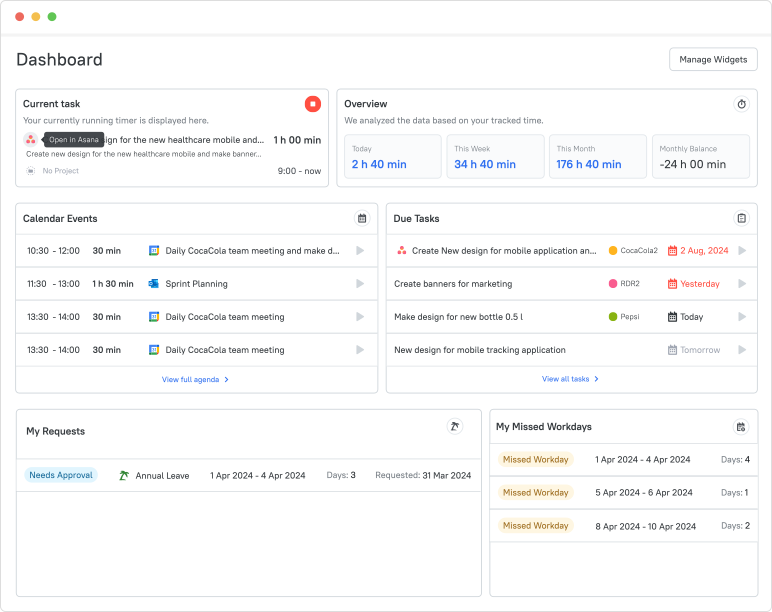
    Go to the Dashboard tab to view detailed analytics on your tracked time. Here you can review your productivity data, task breakdowns, and time allocation.

    View Productivity Insights

  • Step 5

    Edit or Add Manual Time Entries

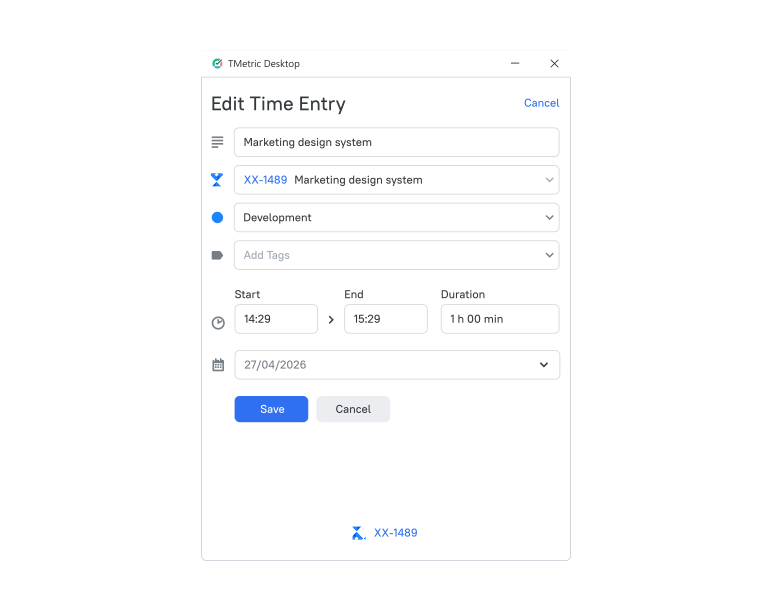
    To add time manually, navigate to the Time page. Select the date, input the start and end times, and add details for the task. This feature allows you to record time for tasks completed without the timer.

    Edit or Add Manual Time Entries

  • Step 6

    Enable Idle Detection

    To ensure your time tracking is accurate, enable Idle Time Detection in the settings. This will automatically pause the timer during periods of inactivity, ensuring only active work time is tracked.

    Enable Idle Detection

  • Step 7

    Export Time Entries

    If you need to share or save your time records, you can use either reports or timesheets and select the export option to download your entries in various formats, such as PDF or CSV.

    Export Time Entries

Integrate Your Windows Time Tracker with the Tools You Already Use

Time is captured directly from where your team works - no switching tabs, no manual entry.

See all integrations

Award-winning
& Customer-adored

Backed by 3,000+ customer reviews

Frequently Asked Questions

What is a Windows time tracker?

A Windows time tracking app is a software application designed for Windows computers that records how much time users spend on tasks, projects, or applications. It improves productivity, tracks work hours, or analyzes app usage.

Can I track time automatically on Windows?

Yes, you can track time automatically on Windows while you are working. Just download and install the time tracking tool for Windows and focus on your work while it runs in the background.

Does TMetric run in the background?

Yes, the TMetric time manager for Windows does run in the background. The desktop app runs quietly in the system tray, tracks time automatically while you work, and record activity (apps/websites, idle time, etc.) depending on settings.

Can I log time manually in the Windows app?

Yes, in most Windows time tracking apps, you can log time manually. You can add time entries yourself (start/end time or total hours), edit or correct tracked time, and assign time to specific tasks or projects.

Is TMetric a desktop time tracking app for employees?

Yes, TMetric is a desktop time tracking application designed specifically for employees and teams. While it offers web and mobile versions, its desktop app is the primary tool for automated work monitoring and productivity analysis.

Can I export timesheets and reports?

The TMetric time tracker tool for Windows allows you to export both timesheets and reports to CSV and PDF formats. Exported timesheets and reports can also be used for work reporting or external accounting purposes.

Does the Windows app work with web and mobile?

Yes, TMetric works across Windows, web, and mobile. It is a cross-platform time tracking system. Windows time tracking with TMetric is done using the desktop client, which runs automatically in the background without user interruption. The desktop app seamlessly syncs data with the web version of TMetric.

Is TMetric available for teams and freelancers?

Yes, TMetric is available for both teams and freelancers. Freelancers can track billable hours, manage projects, and create reports. Teams and companies can also monitor work time, manage workloads, and generate team reports.

Take Control of Your Time on Windows

Start tracking your work hours with a native Windows app designed for accuracy, focus, and effortless reporting.

Start free trial
Take Control of Your Time on Windows