

Simple Integration with Asana
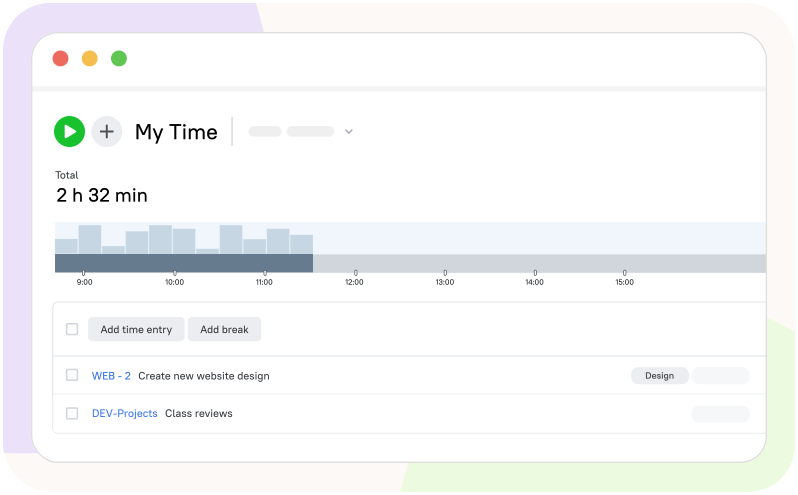
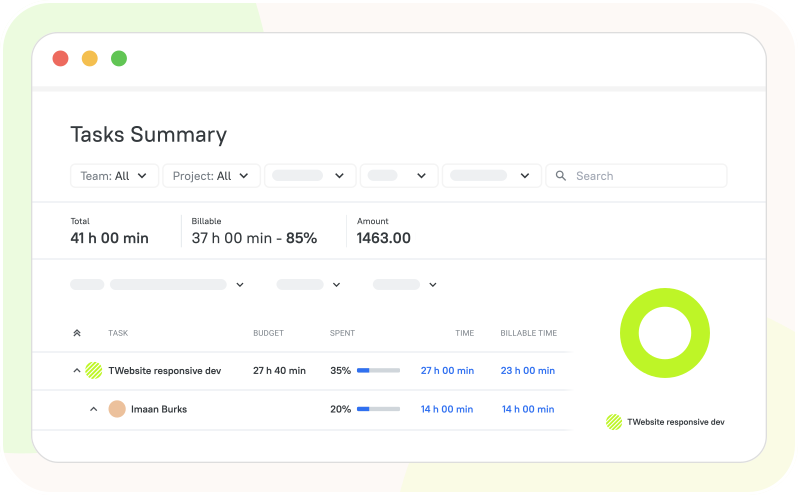
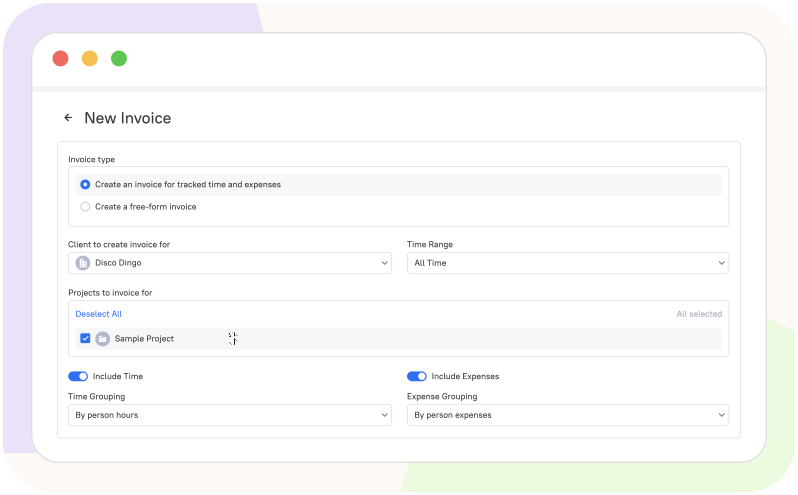
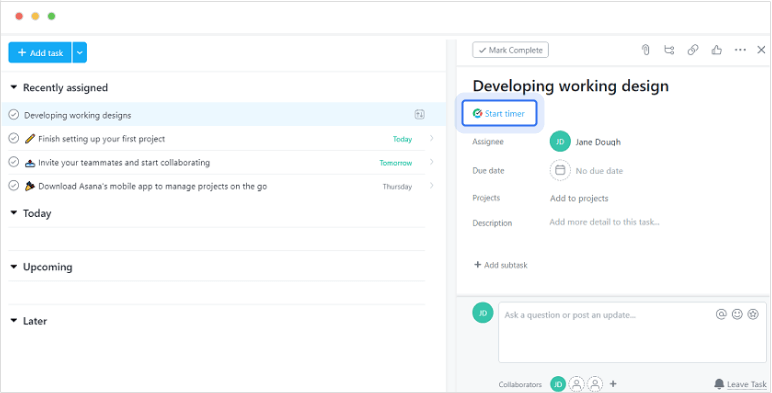
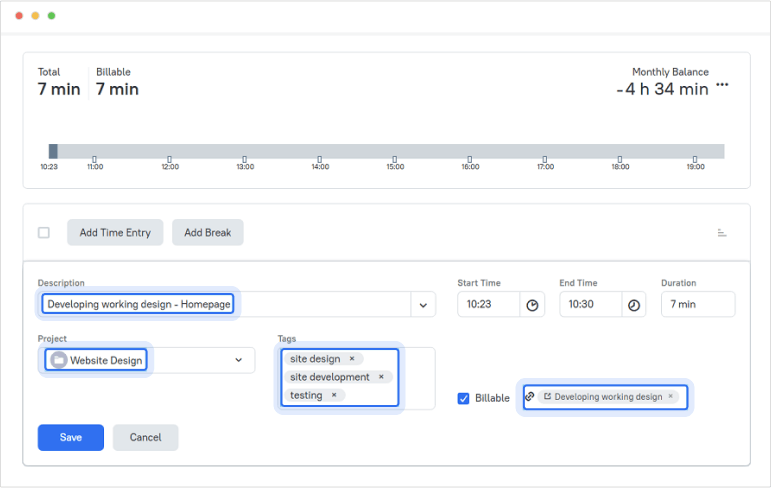
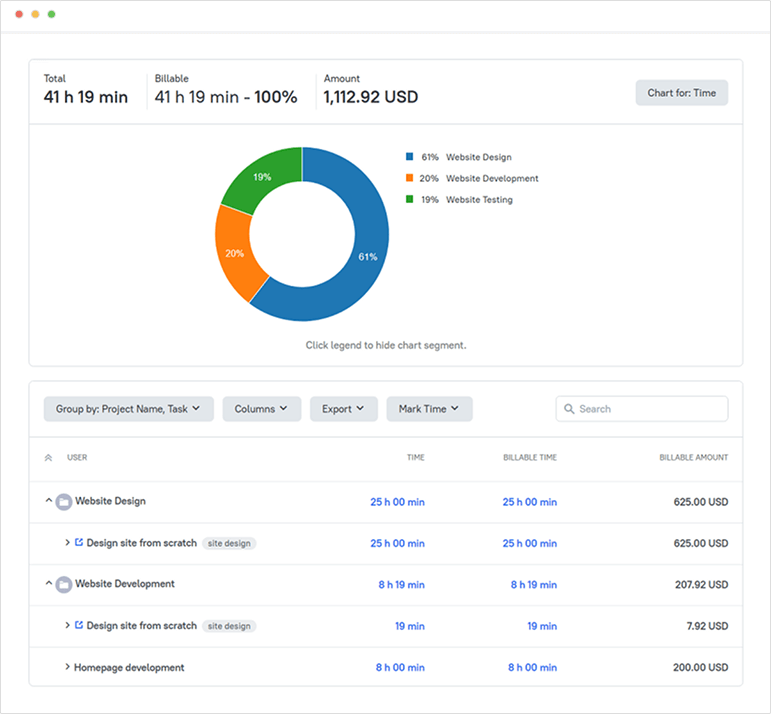
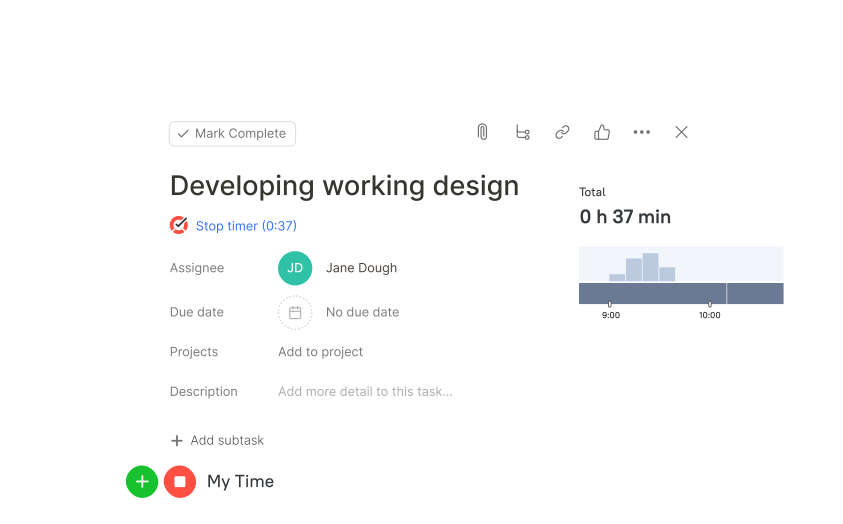
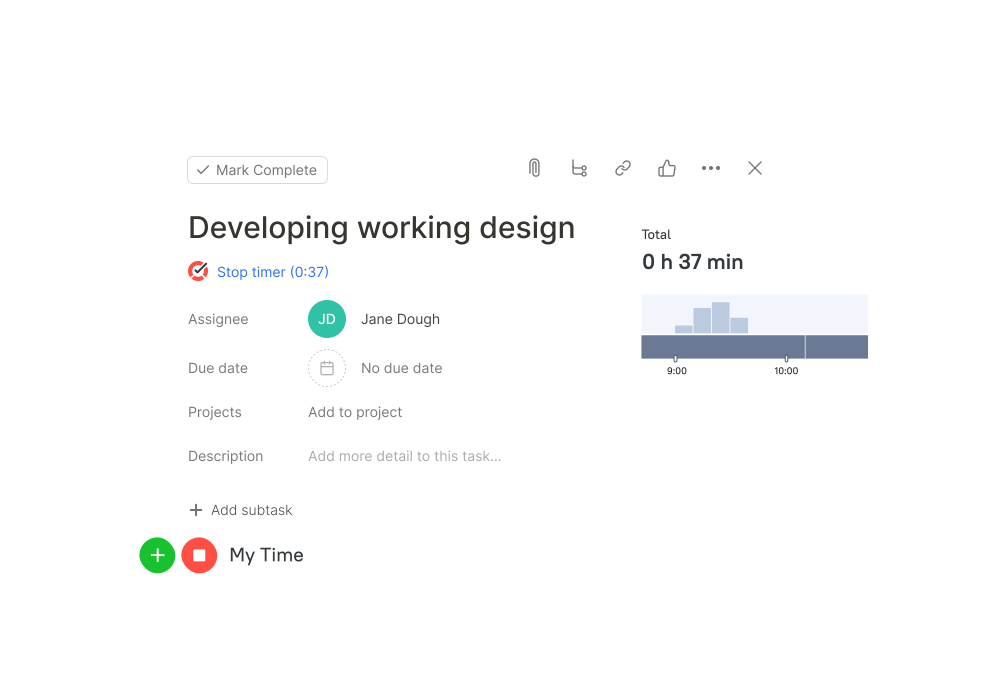
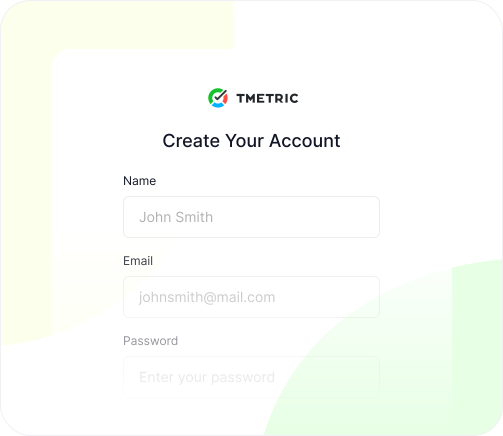
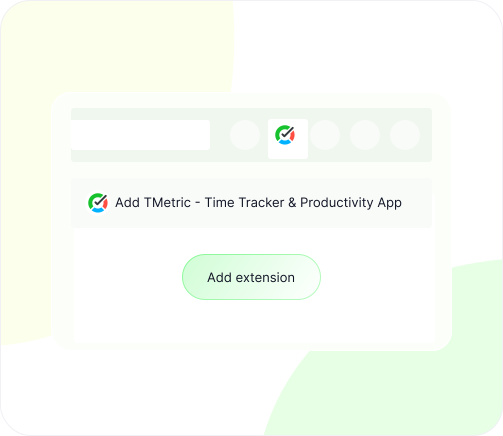
TMetric connects to Asana through a browser extension that adds a timer button to each task. To set it up, users first create a TMetric account and choose a workspace where time data will be stored. Next, they install the TMetric browser and sign in with their account. After connecting Asana, a timer button appears directly inside Asana task pages. When a task is started, the timer records work time in real time or allows manual entry later. Each tracked session is automatically sent to TMetric and linked to the corresponding Asana task. In TMetric, these entries appear as detailed time logs grouped by project and task. Teams can then use this data to generate project time totals, timesheets, reports, and invoices based on billable and non-billable hours.