TMetric with viaSocket Integration
Connect TMetric with the apps you use every day in just a few clicks and without any coding.
Features
Time tracking in 1000+ web services
- Simple integration, which will take a little time to configure
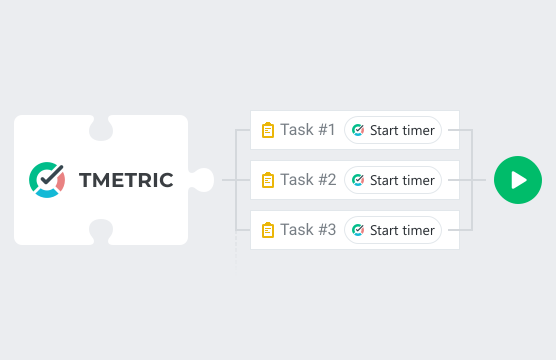
- Timer button is integrated into each task in every web service
- No need to stop timer before switching to another task
Backlinks to any web service from TMetric
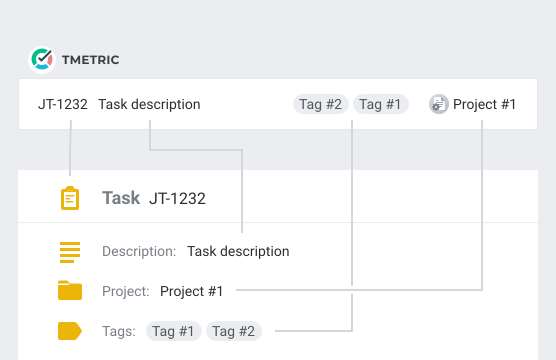
- Each time entry contains a backlink to a web service task
- Web service projects are mapped to TMetric projects
- Web service labels are automatically assigned to time entries
Powerful time reports
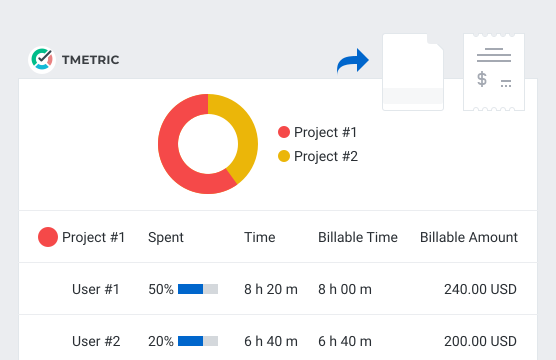
- See the time of your team in one place
- Group, sort, and filter reports
- Export time reports and invoice your clients
How to Integrate TMetric with 1000+ web services via viaSocket
This guide explains how to integrate TMetric with 1000+ third-party web services via the viaSocket web automation service.
Requirements
- TMetric Account - Free or Paid
- viaSocket Account - Free or Paid
Both TMetric and viaSocket accounts have free and paid plans – see the TMetric pricing page and viaSocket pricing page for more info.
Sign up for a TMetric account
- Follow the TMetric sign up link.
- Fill in the form and create an account.
Or log into your existing TMetric account.
Sign up for a viaSocket account
- Follow the viaSocket sign up link.
- Fill in the form and create an account.
Or log into your existing viaSocket account.
Available events and actions
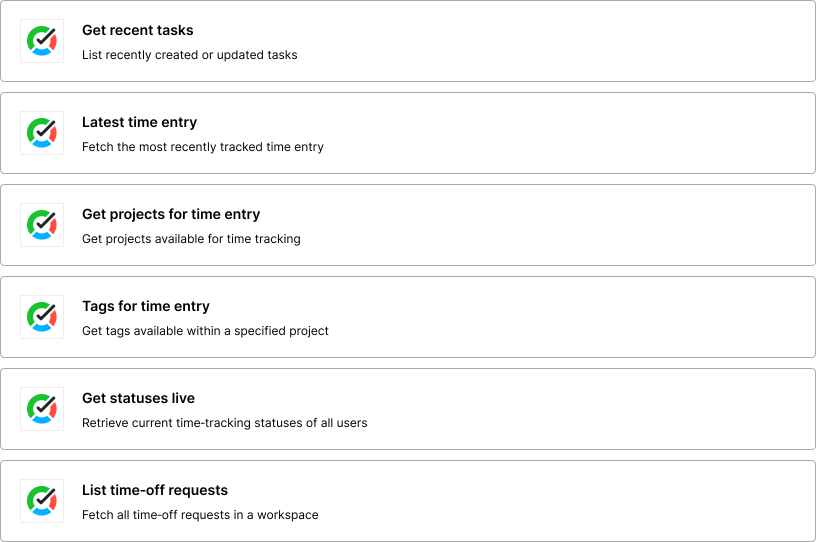
TMetric provides the following events and actions for viaSocket.
Triggers
New Task triggers when a new task is added to a specified project.
Actions
Start Timer action starts the timer in a specified TMetric account.
Create Task action creates a task in a specified TMetric account.
Create Time Entry action creates a time entry in a specified TMetric account.
Configuring viaSocket
The viaSocket platform enables the creation of an automatic integration between TMetric and other services.
Its configuration is a rather simple procedure. Assistance is provided by on-screen instructions. You can either create your own template from scratch or use one of the TMetric templates to get you started. viaSocket enables creators from diverse backgrounds, sizes, and business domains to develop solutions for problems encountered in the workplace.
Troubleshooting
If you need more instructions or you have issues, we recommend contacting the viaSocket Support team.





Make time work for you!
Powered by  A software vendor with 29 years of experience.