How to Fix Time Zone
This topic describes why the Fix Time Zone alert may appear and what to do with it.
Before tracking time, each user needs to specify his own time zone in his Profile Settings. We store this information in the database to correctly display the logged time.
If a local time zone does not match the one specified by a user, the timeline is displayed incorrectly and the user gets an alert as shown in the screenshot below.
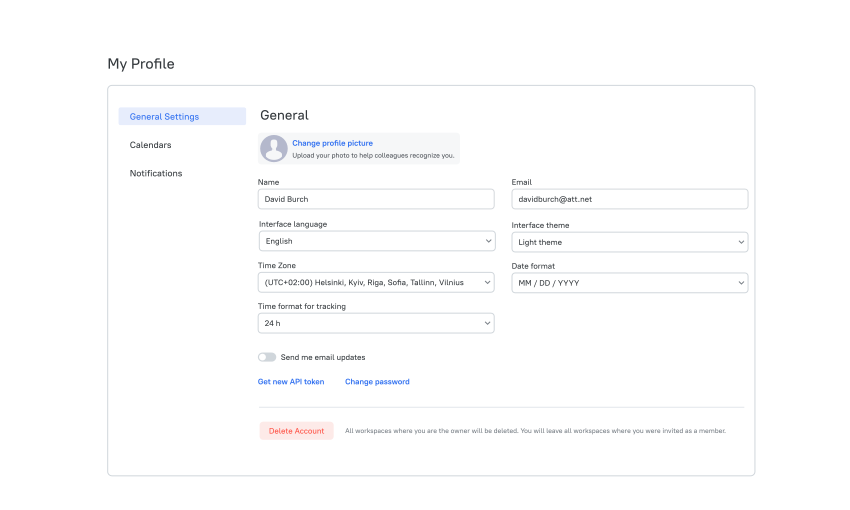
To fix a time zone
- Click on the profile icon in the top right-hand corner of the app.
- Select Profile Settings in the drop-down list.
- In the Time Zone field, select the time zone you need (a local one).
- Click Save.
Didn’t find what you were looking for?
If you didn't find what you were looking for, you can make a support request or email us to [email protected]. We'll be glad to help you personally.