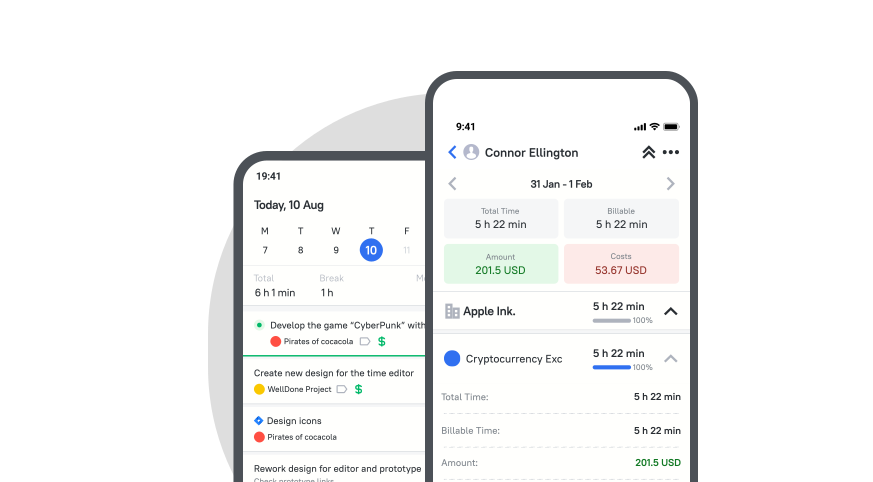







Mobile Time Tracker for Teams and Employees

Start, stop, and edit time entries on the go. Manage timesheets, projects, and reports from your mobile device.

Fully functional 14-day trial | No credit card needed

Trusted by over 10 000 companies worldwide

  • Endygo
  • ITsyndicate
  • Pulso
  • 050media
  • JOT Digital
  • Freshlab
  • Mvad
  • Swaven

What is TMetric mobile time tracking app?

If we talk about time mobile time tracking, TMetric comes to the forefront. TMetric time tracking mobile app helps users track time spent on tasks and projects from their mobile devices.

It offers real-time tracking, easy task management, and seamless reporting.

Why Use TMetric as Your Mobile Time Tracking App

Without TMetric

  • Time is tracked from memory
  • Work on the go is often missed
  • Tasks are hard to manage on mobile
  • Data is scattered across devices

With TMetric

  • Start and stop the timer instantly
  • Capture every minute on the move
  • Manage tasks and log time easily
  • Syncs across mobile, desktop, and web

Key Features of TMetric Mobile Time Tracking

Start and stop timers on mobile

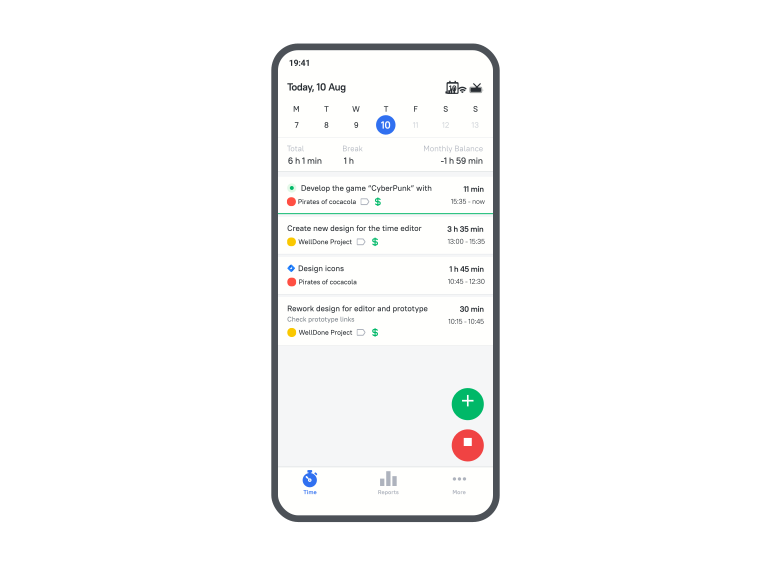
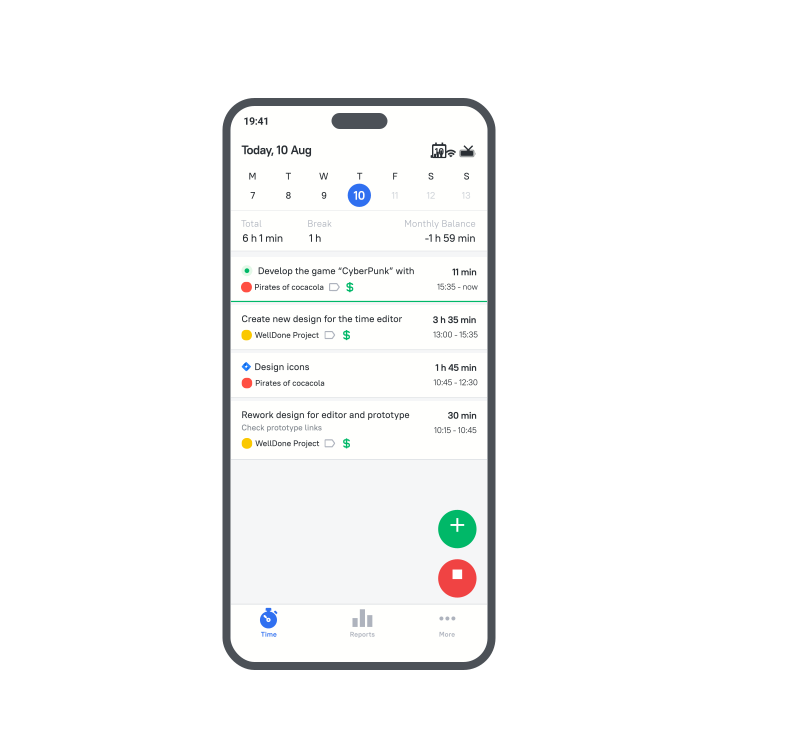
The TMetric mobile time tracker lets you track your time anytime, anywhere, making it especially useful for remote work or when you’re away from the office. Install it on Android or iOS to start and stop timers and track your work.
Start and stop timers on mobile

Checking team work

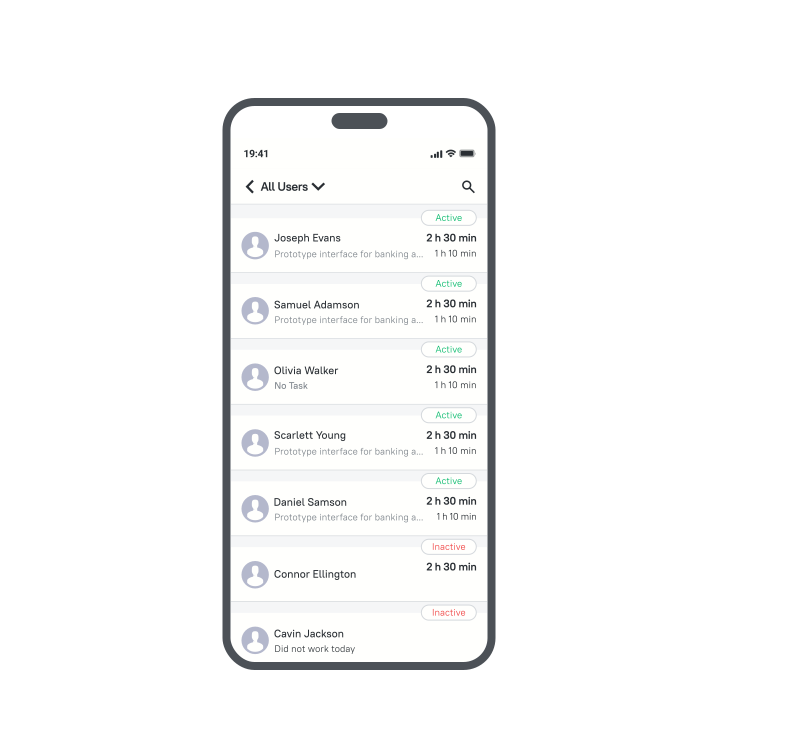
The TMetric mobile app allows managers to monitor their team's work in real time. Access the Check Team Status option in the Overflow menu to see if members are working, their current tasks, and their logged hours.

Checking team work

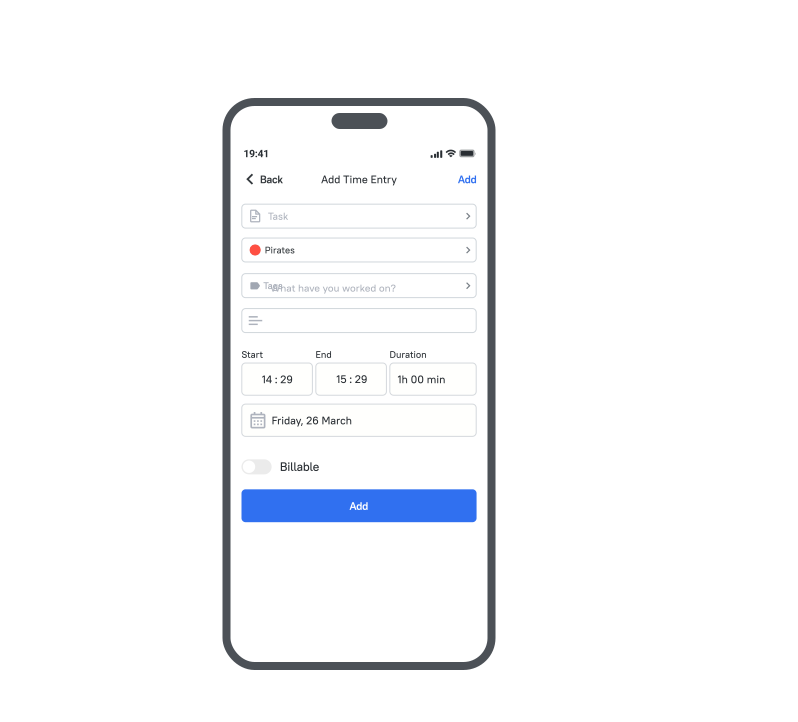
Adding and editing a time entry

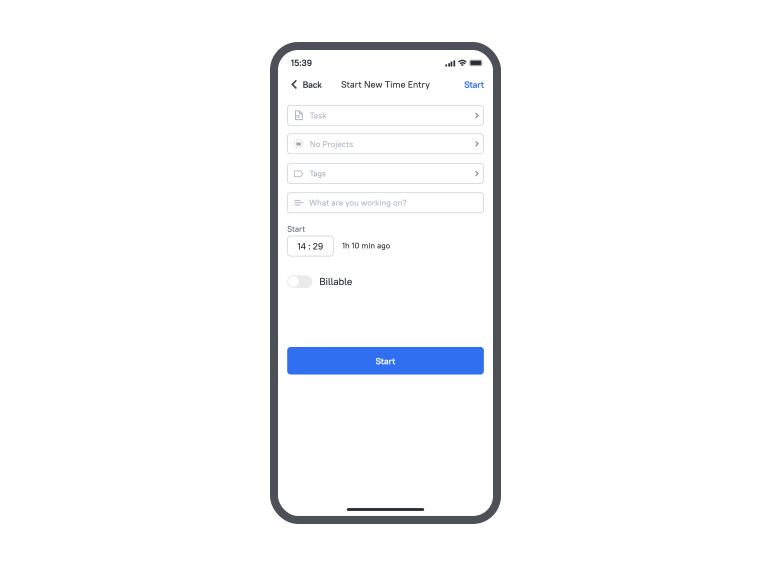
Mobile employee time tracking is convenient with TMetric. Employees can start and stop tracking time in one tap. They can also quickly add a time entry to any day and edit it when needed.

Adding and editing a time entry

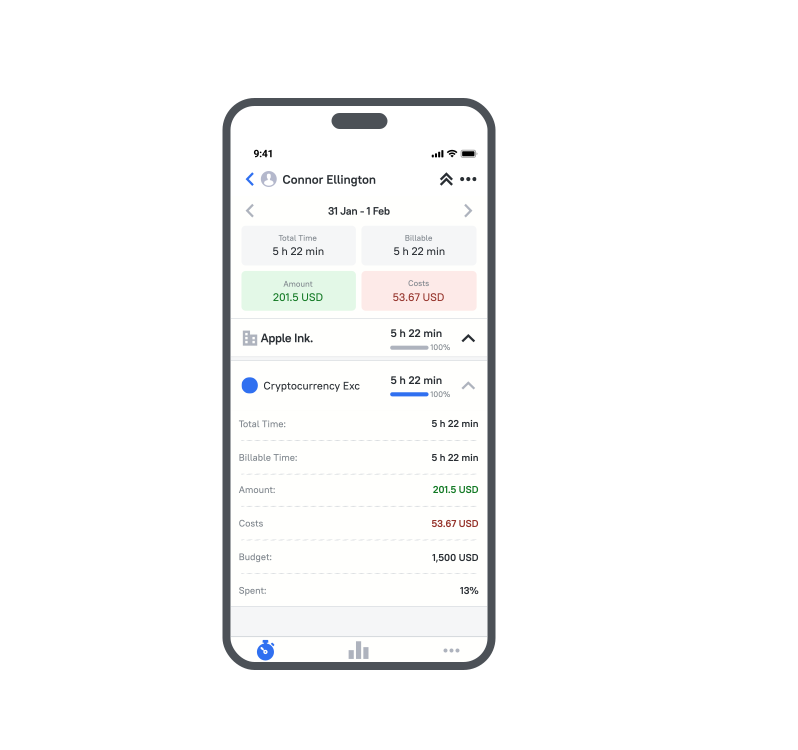
Viewing reports

The TMetric mobile employee time tracking app is an easy-to-use tool that allows users to generate reports showing essential data on a project's time, costs, and billable amounts over a specified period.

Viewing reports

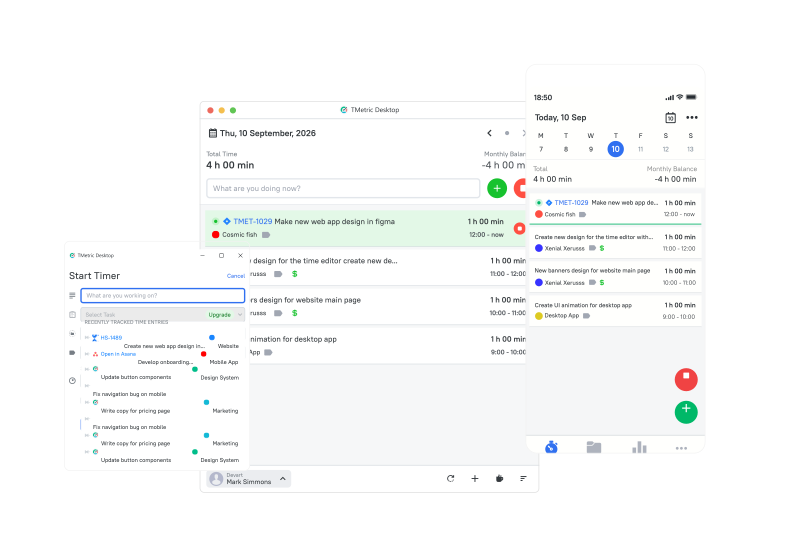
Sync across mobile, web, and desktop

You can track time with TMetric using whichever app is most convenient for you: web, desktop, or a mobile time tracking solution. Tracked time syncs across all systems automatically, with no manual transfer required.

Sync across mobile, web, and desktop

How to get started with TMetric mobile app

  • Step 1

    Install the mobile app

    Install the TMetric app for Android or iOS on your phone or tablet device.

  • Step 2

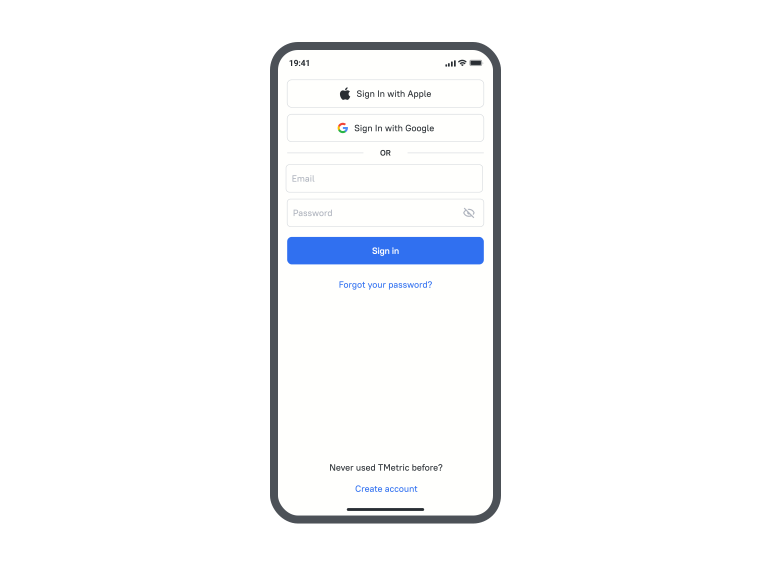
    Sign up for your account

    If you don’t have an account, create one. You can skip the step of creating a project and client and create just a workspace.

    Sign up for your account

  • Step 3

    Start the timer

    When logged in, start a new time entry or choose a recent one from the list (if you’ve already tracked time before with the web or desktop apps).

    Start the timer

  • Step 4

    Seamless sync across apps

    The time tracked using a mobile app is synchronized with the web and desktop apps.

    Seamless sync across apps

Benefits of using TMetric for mobile time tracking

Using the TMetric mobile app offers significant benefits in terms of productivity, cost-saving, and efficiency.

On-the-go tracking

On-the-go tracking

Capture work hours in real-time from any location.

Automated time entries

Automated time entries

Automated time tracking reduces manual entry, saving time and minimizing errors.

Task management

Task management

Manage and prioritize tasks and projects directly from your mobile device.

Resource optimization

Resource optimization

Real-time insights help allocate resources efficiently and minimize idle time.

Detailed reporting

Detailed reporting

Performance analytics and progress tracking improve decision-making and process improvements.

Frequently Asked Questions

What is a mobile time tracking app?

A mobile app for time tracking is an application for mobile devices that lets you record and monitor how much time you spend on tasks or activities anywhere and anytime.

Can I track time from my phone with TMetric?

Yes, you can install the TMetric mobile time-tracking app on your phone and track time easily.

Is TMetric available for iPhone and Android?

Yes, the TMetric time tracking app for mobile usability is available for both iPhone and Android.

Can employees use TMetric for mobile time tracking?

Yes, they can. However, if an organization requires employees to work only at their desks, a workspace admin can disable mobile time tracking. If needed, this restriction can also be overridden for specific members.

Can managers check team work from the mobile app?

Yes, they can. With the Check Team Status option, managers can easily manage their teams and see what each employee is working on today.

Does the mobile app sync with web and desktop?

Yes, time tracked in the mobile app automatically syncs with the web and desktop apps, and vice versa.

Can I edit time entries from my phone?

Yes, you can edit time entries in the TMetric mobile app using the Edit Time Entry option.

Can I view reports in the TMetric mobile app?

Yes, in the TMetric mobile app, you can create a report that displays a project summary, including costs, billable time, and billable amount for a selected time range.

Make time work for you!

Track time anytime, anywhere with TMetric. Boost productivity on the go!

Make time work for you!