Top 5 Time Tracking Apps for 2026
One missed timer here, one forgotten task there, and suddenly payroll is off, invoices are lighter, and project margins shrink. Here’s how the best time tracking apps help close those gaps. Read on!

By Dereck Mushingairi | April 02, 2026
The workday ends, but one question remains: where did the time actually go? For freelancers, agencies, and distributed teams, that answer directly affects billing, payroll, and project health. A good time tracking app helps you keep track of work hours, manage payroll, and see how time is really being spent. In this guide, we break down the top time tracking apps for 2026 and what each one does best.
Compare:
Why trust our software reviews
Choosing a time tracking tool can affect payroll accuracy, billing, and how teams report their work. If the wrong platform is selected, it can create extra admin work or scattered data across systems. When reviewing these tools, we focused on things that matter in everyday business use:
- Tracking accuracy: reliable timers, idle detection, and manual time entry.
- Reporting: project reports, utilization insights, and productivity metrics.
- Payroll and invoicing: exportable payroll reports and billing support.
- Integrations: compatibility with tools like Jira, Asana, Trello, and QuickBooks.
- Scalability: role-based access, team management, and features for growing teams.
- Pricing transparency: clear pricing tiers without hidden costs.
Looking at these factors across different platforms helps narrow down which tools are likely to fit a team’s workflow before committing to a long-term solution.
Comparison table: Best time tracker apps at a glance
The table below gives a quick way to compare the best time tracking apps. It helps narrow down the options and makes it easier to see which tools are worth exploring in more detail.
|
Tool |
Free plan |
Payroll support |
Invoicing |
Monitoring |
Integrations |
Platforms |
|
TMetric |
Yes |
Yes |
Yes |
Screenshots (optional) |
Jira, Asana, Trello, QuickBooks |
Web, Windows, macOS, Linux, iOS, Android |
|
Toggl Track |
Yes |
Reports only |
Yes |
No |
Slack, Jira, Asana |
Web, Windows, macOS, Linux, iOS, Android |
|
Clockify |
Yes |
Reports |
Limited |
Screenshots (paid plans) |
Trello, Asana, QuickBooks |
Web, Windows, macOS, Linux, iOS, Android |
|
MyHours |
Yes |
Reports |
Yes |
No |
QuickBooks, Zapier |
Web, iOS, Android |
|
Harvest |
Limited |
Reports / integrations |
Yes |
No |
Stripe, QuickBooks, Asana |
Web, macOS, iOS, Android |
List of the best time tracking apps for 2026
The following tools represent the most widely used time tracking programs available today. Each platform stands out for specific strengths such as payroll automation, productivity monitoring, invoicing, or ease of use.
1. TMetric
Rating: 4.6/5 (G2)
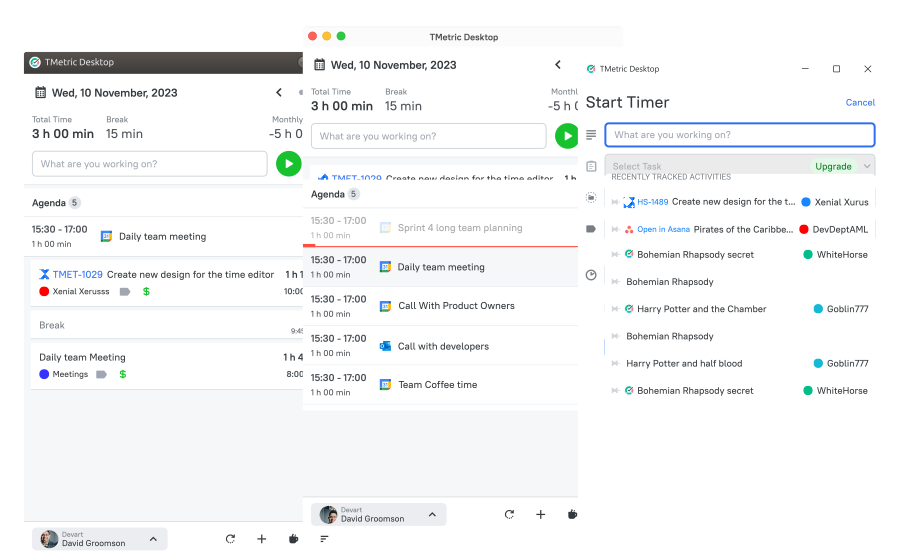
Best for: teams, agencies, and SMBs that need payroll-ready reporting and clear project profitability insights.
TMetric is considered the best app for tracking time and managing work for teams that need accurate work-hour monitoring and reliable billing data. It combines a simple timer with reporting, budgeting tools, and payroll-ready exports. It can also work as a time tracker with screenshots for teams that want more visibility into remote work activity. This makes it a practical option for businesses managing both billable and non-billable work.
Overview
|
Attribute |
Details |
|
Company |
Devart |
|
Core functionality |
Time tracking, project management, payroll-ready reporting |
|
Integrations |
Jira, Asana, Trello, GitLab, Redmine, QuickBooks, Zapier and others |
|
Platforms |
Web, Windows, macOS, Linux, iOS, Android |
|
Tracking methods |
Automatic timer, manual time entry |
|
Reporting |
Project reports, team productivity dashboards, billable vs non-billable tracking |
Key features
- Automatic and manual time tracking options.
- Project and task management functionality.
- Team dashboards with productivity reporting.
- Budget tracking and project cost monitoring.
- Billing and invoicing support for client work.
- Payroll-ready report exports.
Pros
- Strong reporting and project budgeting capabilities.
- Clean interface that is easy to learn and use.
- Integrates with over 50 tools, including Jira, Asana, Trello, and QuickBooks.
Cons
- Does not include screenshot-based monitoring features.
- Advanced functionality requires paid plans.
Pricing
Includes a free plan, with the Professional plan starting at $7 per user/month. Enterprise pricing is available for larger teams.
Reviews
“It’s easy to use and integrates smoothly into our daily routine. We especially appreciate how we can assign time to specific projects and clients, it's super helpful for reporting.” — G2
2. Toggl Track
Rating: 4.6/5 (G2)
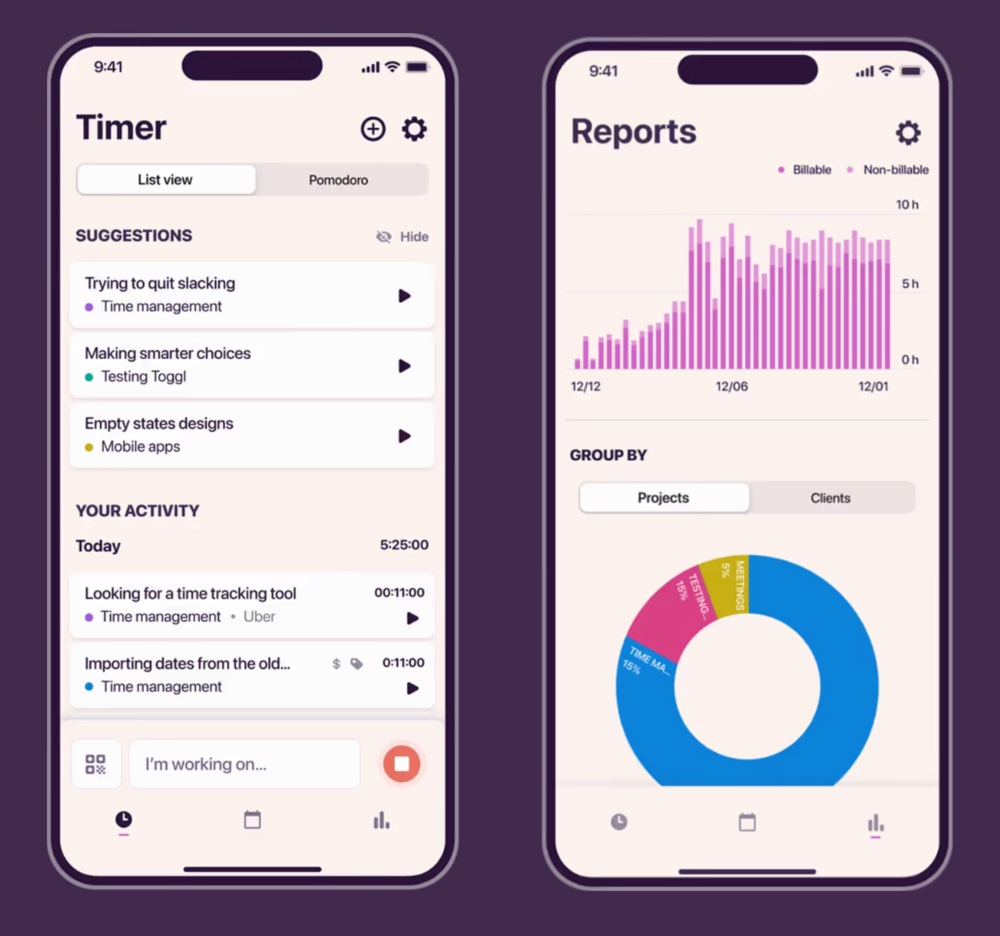
Best for: freelancers and small teams who need simple, fast time tracking.
Toggl Track is also regarded as one of the best apps for time tracking used by freelancers and small teams. The platform focuses on simplicity, allowing users to start timers instantly and track time across multiple projects without complex setup.
Overview
|
Attribute |
Details |
|
Company |
Toggl |
|
Core functionality |
Time tracking, reporting, project time analysis |
|
Integrations |
Jira, Asana, Slack, Trello, GitHub, Google Calendar and others |
|
Platforms |
Web, Windows, macOS, Linux, iOS, Android |
|
Tracking methods |
Automatic timer, manual entry, offline tracking |
|
Reporting |
Time reports, project dashboards, team productivity insights |
Key features
- One-click timers for quick and easy time tracking.
- Offline tracking with automatic synchronization once online.
- Project and client reporting dashboards.
- Integrations with calendar and productivity tools.
- Idle detection with reminders to improve tracking accuracy.
Pros
- Very easy to use with minimal setup.
- Robust and insightful reporting dashboards.
- Strong cross-platform availability (web, desktop, mobile).
Cons
- Limited features for team and workforce management.
- Does not include built-in invoicing functionality.
Pricing
Includes a free plan for small teams. Paid plans typically start at around $9 per user/month, offering advanced reporting, team management, and project insights.
Reviews
“Toggl Track helped me get a clear picture of how my time is actually spent during the day. Instead of guessing, I can log small tasks and later check where my focus went, which makes daily work feel more planned and less scattered.” — G2
3. Clockify
Rating: 4.5/5 (G2)
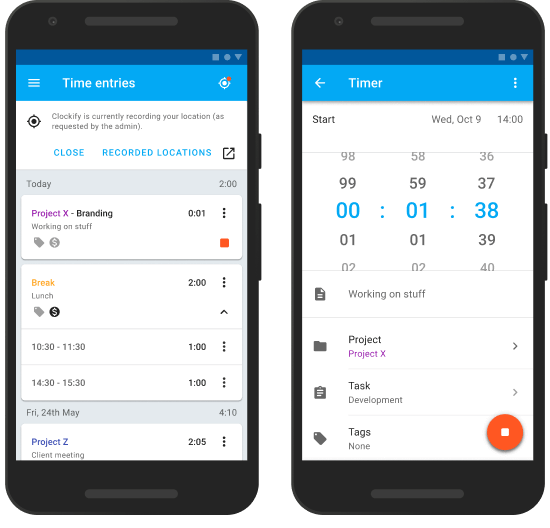
Best for: teams that need a powerful free time tracking solution with unlimited users.
Clockify is one of the most widely used time tracking tools, mainly because it offers a generous free plan with unlimited users. This makes it a popular choice for startups, remote teams, and companies that want to start using time tracking without taking on new software costs right away.
Overview
|
Attribute |
Details |
|
Company |
CAKE.com |
|
Core functionality |
Time tracking, timesheets, project tracking |
|
Integrations |
Trello, Asana, Jira, QuickBooks, Slack, GitHub and others |
|
Platforms |
Web, Windows, macOS, Linux, iOS, Android |
|
Tracking methods |
Automatic timer, manual entry, kiosk tracking |
|
Reporting |
Time reports, team dashboards, project time analysis |
Key features
- Time tracking via timers, timesheets, or manual entries.
- Project management with team workload monitoring.
- Detailed reporting for payroll processing and billing.
- Tracking of both billable and non-billable hours.
- Kiosk mode for shared devices and attendance tracking.
Pros
- Free plan supports unlimited users.
- Flexible tracking options (timer, timesheet, kiosk).
- Strong reporting capabilities and project visibility.
Cons
- Interface may feel cluttered for new users.
- Advanced features require upgrading to paid plans.
Pricing
Includes a free plan with unlimited users. Paid plans typically start at around $5.49 per user/month, offering advanced reporting, scheduling, and team management features.
Reviews
“It is the time control and tracking tool that we use in the company, and in my area, I use it to keep track of the activities and times of my team both in the main office and in the remote offices.” — G2
4. MyHours
Rating: 4.6/5 (G2)
.png)
Best for: agencies, consultants, and teams that need clear project budgeting and client billing insights.
MyHours is a time tracking platform designed for teams that bill clients based on hours worked and need clear visibility into project profitability. The tool combines straightforward time tracking with project budgeting and detailed reporting, helping teams understand how time translates into revenue.
Overview
|
Attribute |
Details |
|
Company |
Spica |
|
Core functionality |
Time tracking, project budgeting, reporting |
|
Integrations |
QuickBooks, Zapier, Slack and others |
|
Platforms |
Web, iOS, Android |
|
Tracking methods |
Automatic timer, manual time entry |
|
Reporting |
Project reports, budget tracking, billable vs non-billable analysis |
Key features
- Time tracking with automatic timers or manual entries.
- Project budgeting with cost performance monitoring.
- Detailed reporting for projects and clients.
- Tracking of billable and non-billable hours.
- Exportable reports for payroll processing or client invoicing.
Pros
- Strong budgeting and reporting capabilities for projects.
- Clean interface that is easy to understand and use.
- Well-suited for client billing and agency workflows.
Cons
- Fewer integrations compared to larger platforms.
- Mobile functionality is less advanced than desktop features.
Pricing
Includes a free plan for small teams. Paid plans typically start at around $5 per user/month, unlocking advanced reporting, budgeting, and team management features.
Reviews
“I use My Hours for keeping track of my hours worked at the construction company I work for, and it also helps me keep track of the hours worked by staff on the site I manage.” — G2
5. Harvest
Rating: 4.3/5 (G2)
.png)
Best for: agencies and service-based teams that need time tracking combined with invoicing.
Harvest is a time tracking and invoicing platform widely used by service businesses and creative agencies. The platform focuses on billing automation, allowing teams to track hours, convert them into invoices, and manage project budgets from a single interface.
Overview
|
Attribute |
Details |
|
Company |
Harvest |
|
Core functionality |
Time tracking, invoicing, project budgeting |
|
Integrations |
QuickBooks, Stripe, Asana, Trello, Slack and others |
|
Platforms |
Web, macOS, iOS, Android |
|
Tracking methods |
Automatic timer, manual entry |
|
Reporting |
Project reports, budget tracking, billable time analysis |
Key features
- Time tracking across projects and individual tasks.
- Conversion of tracked hours into client invoices.
- Project budget monitoring and profitability tracking.
- Payment acceptance via Stripe and PayPal integrations.
- Detailed billing and project reporting tools.
Pros
- Strong invoicing and billing functionality.
- Clean and intuitive reporting dashboards.
- Reliable integrations with accounting tools.
Cons
- Free plan is limited in features and project capacity.
- Higher pricing compared to some other automated time tracking tools.
Pricing
Includes a free plan with limited projects. Paid plans typically start at around $9 per user/month, unlocking unlimited projects, invoicing, and advanced reporting features.
Reviews
“Our team uses Harvest to track the hours across different internal projects and client-related work. It allows us to visualize how we distribute the time between tasks such as planning and testing.” — G2
Who needs the best time trackers?
Almost every type of team can benefit from time tracking, but the reasons differ. A freelancer might need it to bill clients accurately, while a growing company may rely on it to understand how team time translates into project costs and productivity. The best app to track work hours often depends on how work is organized and how revenue is generated.
Freelancers and consultants
For freelancers, time tracking is mostly about protecting billable hours. When you’re handling several clients, missed entries can easily mean lost income. Tools like Toggl Track or Harvest keep things simple and make it easy to turn tracked hours into invoices.
Small and medium businesses
SMBs usually use time tracking to understand how team time is spent across projects. Platforms like TMetric or Clockify help managers monitor workloads, generate payroll-ready reports, and check whether projects stay within budget.
Agencies and client-focused teams
Agencies rely heavily on billable hours. If time isn’t tracked well, project margins can slip quickly. Time tracking tools help teams see how much time goes into each client project and spot budget overruns early.
Remote and distributed teams
For remote teams, time tracking often acts as a visibility tool. When people work across locations and time zones, managers need a simple way to see how work is progressing without constant check-ins.
How to choose the best time tracking tool
Choosing a time tracking tool starts with one question: what decision do you want the data to support? Some teams need accurate billing records, others rely on payroll reports, and many simply want better visibility into how work hours are spent.
1. Define your primary goal
Start with the main reason you need time tracking. Freelancers and agencies often focus on billing and invoicing, while growing companies may need payroll-ready reports or productivity insights.
2. Consider team size
A simple timer can work for one person, but larger teams usually need role permissions, team dashboards, and structured reporting.
3. Evaluate reporting
Strong tools turn raw time entries into insights. Look for reports that show billable vs. non-billable hours, project budgets, overtime trends, and team utilization.
4. Review integrations
Integrations with tools like Jira, Asana, Trello, and QuickBooks help connect time tracking with existing workflows.
5. Compare long-term costs
Free plans are good for testing, but growing teams should check how pricing scales with additional users and advanced features.
The Takeaway
Time tracking has become a practical necessity for businesses managing distributed teams, client billing, and project budgets. The best time tracking programs help teams record work hours accurately, generate payroll reports, and get a clearer picture of how time is spent across projects.
Each tool has its strengths, but TMetric stands out as a well-balanced option with time tracking, reporting, budgeting, and billing features in one place. For freelancers, SMBs, and growing teams, it offers the core tools needed to manage work hours and keep project profitability under control.
Before settling on a platform, it’s usually worth trying a few options through free trials. That makes it easier to see which tool fits your workflow and reporting needs best.
Start tracking time with TMetric. Create your free account now.
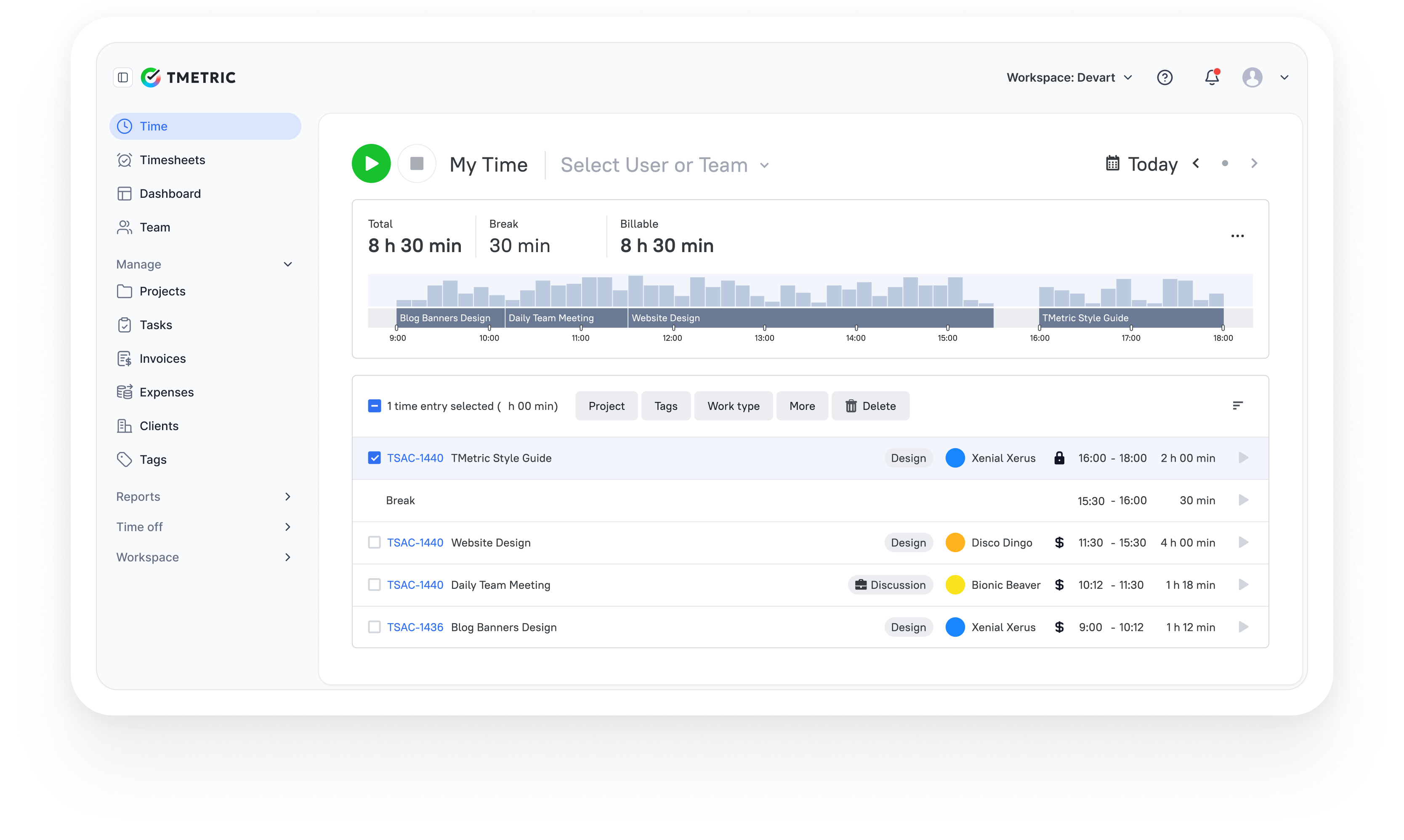
3,000+ companies, teams, and individuals worldwide use TMetric to track time, manage work, and bill with confidence.