






Project Management Timesheet Software

  • Time tracking
  • Projects
  • Budgets & Estimates
  • Timesheets
  • Profitability
  • Expenses
Fully functional 14-day trial | No credit card needed

Trusted by over 10 000 companies worldwide

  • Endygo
  • ITsyndicate
  • Pulso
  • 050media
  • JOT Digital
  • Freshlab
  • Mvad
  • Swaven

What Is TMetric Project Management Timesheet Software?

Timesheet project management software helps teams record, organize, and analyze how work hours are spent on tasks and projects.

It turns work hours into structured timesheet data for budgeting, payroll, and billing accuracy. Managers can review, approve, and use it for reporting and planning.

Why Teams Need Project Management Software With Timesheets

Without TMetric

  • Time tracking feels like a chore
  • Project data is scattered across tools
  • Payroll and billing rely on manual calculations
  • Reporting is limited or outdated

With TMetric

  • Track time directly within tasks and projects
  • Get real-time visibility into project progress
  • Improve estimates and control budgets
  • Access detailed reports on costs and performance

Key Features of TMetric Project Management Timesheet Software

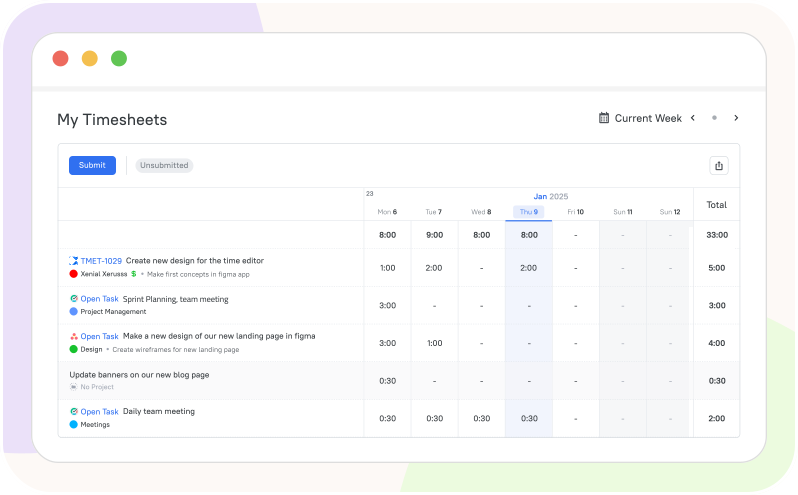
Task-based time tracking

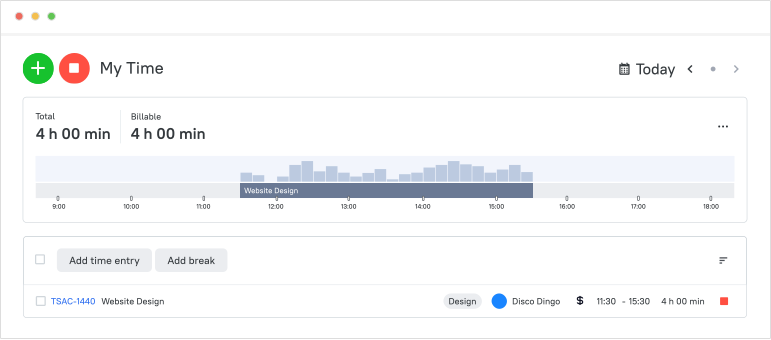
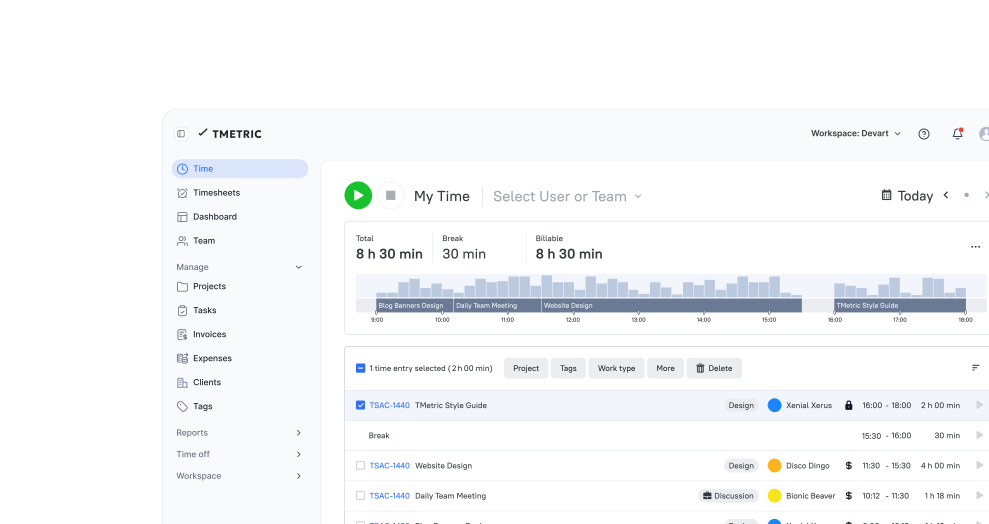
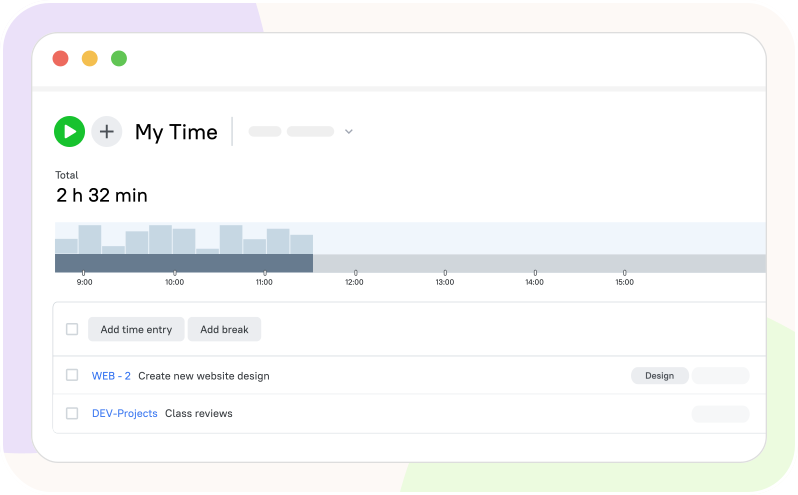
Instead of simply tracking total working hours, employees can record the time spent on specific tasks or projects during their work.

  • Employees select a specific task or project before tracking their time
  • Time is recorded using a live timer or can be added manually afterward
  • Logged time is linked to tasks or projects for accurate effort tracking
  • Teams gain better visibility into progress, workload, and time usage
Task-based time tracking

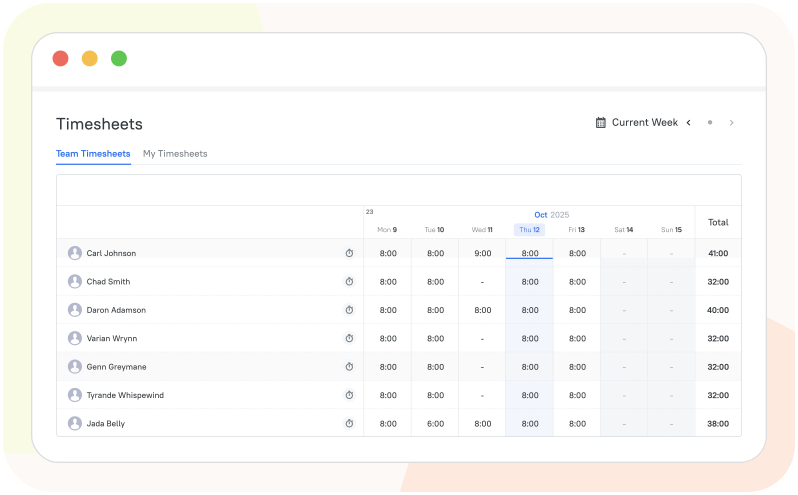
Team timesheets and approval workflows

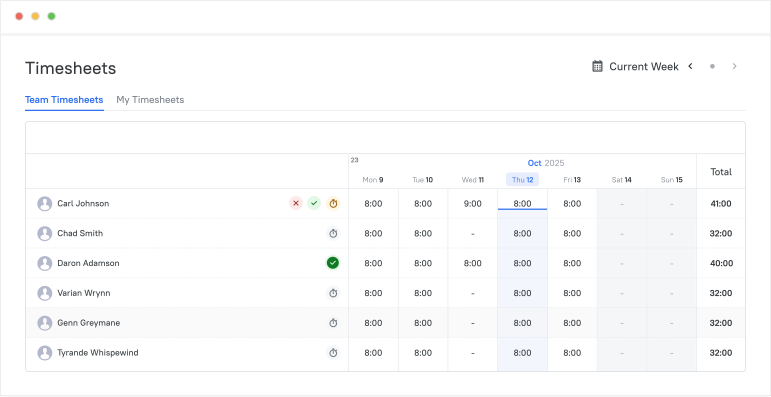
In TMetric timesheet and project management software, employees submit their recorded work hours as timesheets, and managers review and approve them.

  • Team members submit their timesheets for review at the end of a work period
  • Managers review submitted hours, tasks, and projects in the timesheets
  • Approved timesheets move forward and rejected ones can be edited and resubmitted
  • Timesheets provide standardized data for reporting, payroll, billing, and project tracking
Team timesheets and approval workflows

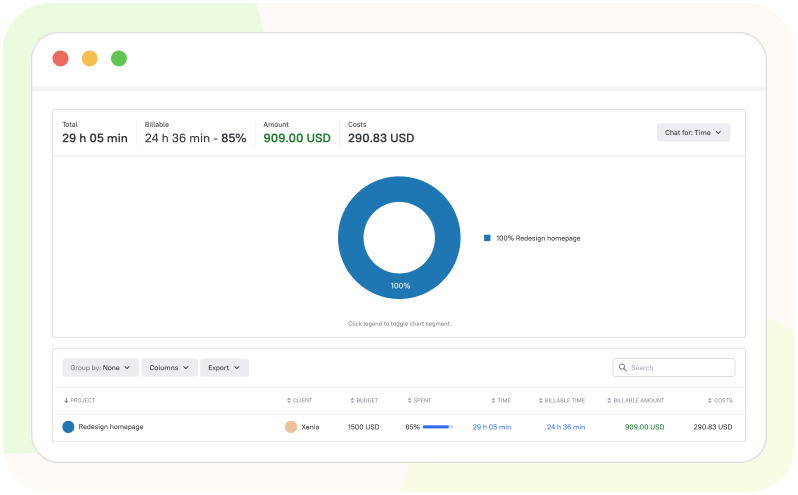
Project and team reports

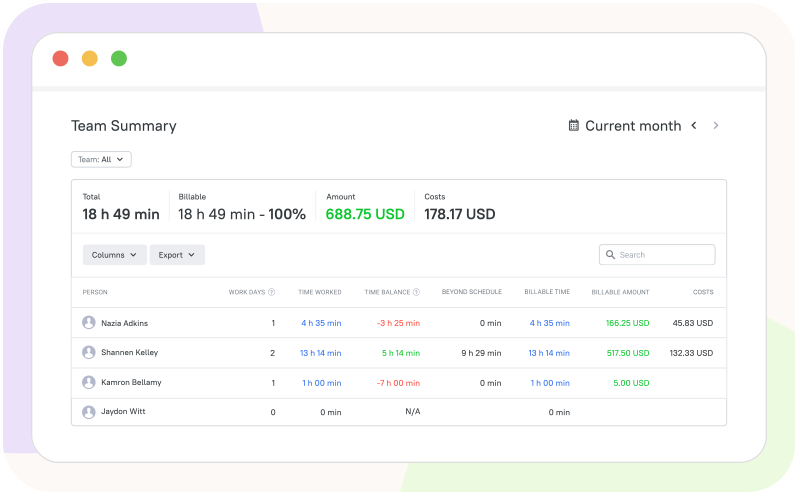
Project management timesheets gather time entries, while Projects Summary and Team Summary reports turn them into a high-level overview.

  • Team members track work hours against specific tasks and projects
  • Each time entry is linked with a project (and often a task or client)
  • The system collects all time entries added by timer or manually
  • The report uses timesheet data to track progress, budget, and productivity
Project and team reports

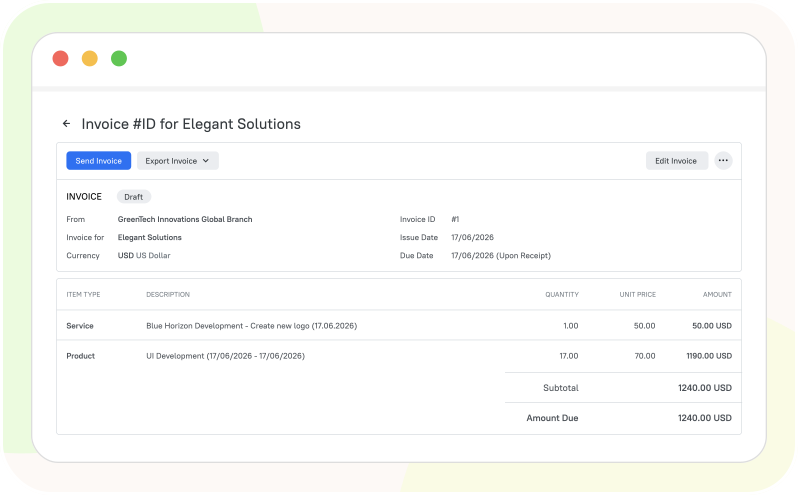
Billable hours and invoicing support

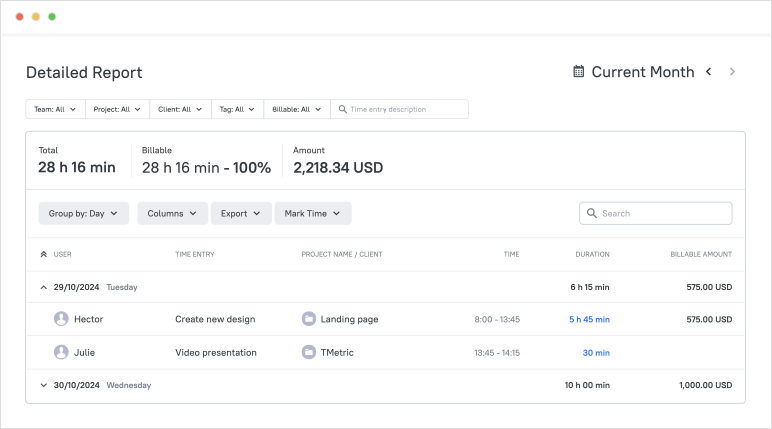
The TMetric timesheet and project management tool converts time tracked on projects into billable amounts using set hourly rates for client invoicing.

  • Assign billable rates at the workspace, project, client, or member level
  • Track time when working on tasks and projects using TMetric
  • TMetric uses billable rates to calculate billable amounts and costs
  • Generate, send, or export invoices with accurate billable amounts
Billable hours and invoicing support

Payroll-ready timesheet data

TMetric project management and timesheet software reduces manual work by computing total hours, overtime, paid time off, and labor costs automatically.

  • Team members log work hours, attendance, and time off in TMetric
  • Managers verify submitted hours and attendance data in timesheets
  • Managers can review and correct timesheet issues before payroll
  • Export timesheets to a CSV or PDF file for further reporting and payroll
Payroll-ready timesheet data

Overtime and time-off visibility

Besides timesheet reporting and project management, TMetric lets you clearly view, track, and manage overtime hours and scheduled time off with ease.

  • Set a work schedule for your team to track employee overtime
  • Manage vacation, sick leave, and personal time-off requests in one place
  • Get a clear overview of employee availability and upcoming absences
  • View the Team Summary report to track overtime and paid time off
Overtime and time-off visibility

How TMetric Works for Project Timesheet Management

  • Step 1

    Assign work and projects

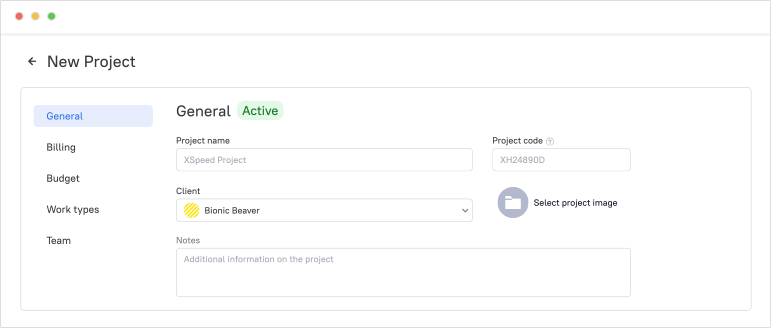
    Create a project, add a team, break the project into tasks, and assign them to team members.

    Assign work and projects

  • Step 2

    Track time as work happens

    Start the timer when you begin work, focus on your tasks while TMetric automatically tracks your time, and stop the timer when finished.

    Track time as work happens

  • Step 3

    Review and approve submitted timesheets

    On the Timesheets page, you can view, review, and approve team members’ timesheets to ensure accurate billing and reliable payroll processing.

    Review and approve submitted timesheets

  • Step 4

    Use the data for reports, budgets, invoices, or payroll

    In TMetric project management software with timesheets, you can use tracked data to generate reports, create invoices, and manage budgets and payroll accurately.

    Use the data for reports, budgets, invoices, or payroll

Seamless Integrations
for a Unified Workflow

Time is captured directly from where your team works - no switching tabs, no manual entry.

See all integrations

Frequently Asked Questions

What is project management timesheet software?

A project management timesheet is a tool used to plan projects, track task time, and keep all work details in one place.

How is project management timesheet software different from basic time tracking software?

Basic time tracking software simply records work time, whereas project management timesheet software connects that time to budgets, tasks, and project health. Moreover, it provides timesheets for project management.

Why do teams use project management software with timesheets instead of spreadsheets?

Spreadsheets like Microsoft Excel are often used as manual timesheets where employees record work hours, breaks, and project details in tables. Project management timesheet software speeds up this process by automatically tracking time, breaks, and project progress and filling timesheets with accurate data.

Can I track time by project, task, and team member in TMetric?

Yes, you can track and report time by project, task, and team member. You can also filter reports to view any of these individually or together.

Does TMetric support team timesheet approvals?

TMetric does support timesheet approvals, where employees submit timesheets and managers review and approve or reject them before they’re finalized.

Can TMetric provide project timesheet reports for managers?

Yes, TMetric provides a summary of all time employees spend on a specific project in the form of timesheet reports.

Can I see billable and non-billable hours in TMetric?

Yes, TMetric lets you mark and report billable and non-billable hours separately, and view totals for both in reports.

Can TMetric use timesheet data for invoicing and payroll workflows?

Yes, TMetric can use timesheet data for both invoicing and payroll workflows. You can export timesheets to CSV or PDF for billing or payroll, or use invoices and the Team Summary report instead.

Can project timesheets help control budgets and team workload?

Yes, In TMetric, project timesheets help track budget usage and team workload by showing time spent per project and per person.

Is TMetric suitable for agencies, service businesses, and remote teams?

Yes, TMetric is designed for agencies, service businesses, and remote teams, since it supports time tracking by project and client, team collaboration, and reporting for billing, productivity, and workload management.

Control Your Project Time and Costs

Stop guessing where time goes. Start managing it with clarity.

Start free trial
Control Your Project Time and Costs